
Interactive report
Add --share to a report command and it writes one HTML file to the current directory: your usage by hour, source, model, project, and machine, with charts and tables you can filter in the browser. The command still prints its normal report to stdout.
llm-usage monthly --sharellm-usage trends --last 14 --share --no-openThe file opens in your default browser. --no-open only writes it, which suits ssh sessions and scripts. A stderr line gives its path, and a run replaces an older file of the same name. If the browser cannot be started, the CLI warns and keeps the file.
Which commands write one
Section titled “Which commands write one”| Command | File | Opens on |
|---|---|---|
llm-usage summary --share |
summary-share.html |
The past 53 weeks, with a summary panel |
llm-usage daily --share |
usage-daily-share.html |
The report’s window |
llm-usage weekly --share |
usage-weekly-share.html |
The report’s window |
llm-usage monthly --share |
usage-monthly-share.html |
The report’s window |
llm-usage compare --share |
compare-share.html |
The current window, with a comparison panel |
llm-usage trends --share |
trends-share.html |
The report’s date range, with a trend panel |
llm-usage efficiency monthly --share |
efficiency-monthly-share.html |
The report’s window, with a commits panel |
llm-usage optimize monthly --provider openai --candidate-model gpt-4.1 --share |
optimize-monthly-share.html |
The report’s window, with a candidates panel |
llm-usage wrapped --share |
llm-usage-wrapped-<year>.html |
The year, under its recap |
Efficiency and optimize name the file after their granularity (efficiency-daily-share.html). hourly, projects, session, blocks, value, events, and statusline have no --share; the page has its own hour view, projects table, sessions, and 5-hour blocks chart.
The summary panel shows the month so far, its projection, and each recent period’s cost next to the period before it: yesterday for today, the 7 days before the last 7 days, and the same days of the previous month for month to date. A line under the table’s title names each row’s window, and the previous cost and the change show its dates on hover.
The file holds the command’s whole window, so you can narrow it later in the page but not widen it. The command’s filters (--source, --model, --repo, and the rest) decide what goes into the file.
What the page offers
Section titled “What the page offers”Controls at the top:
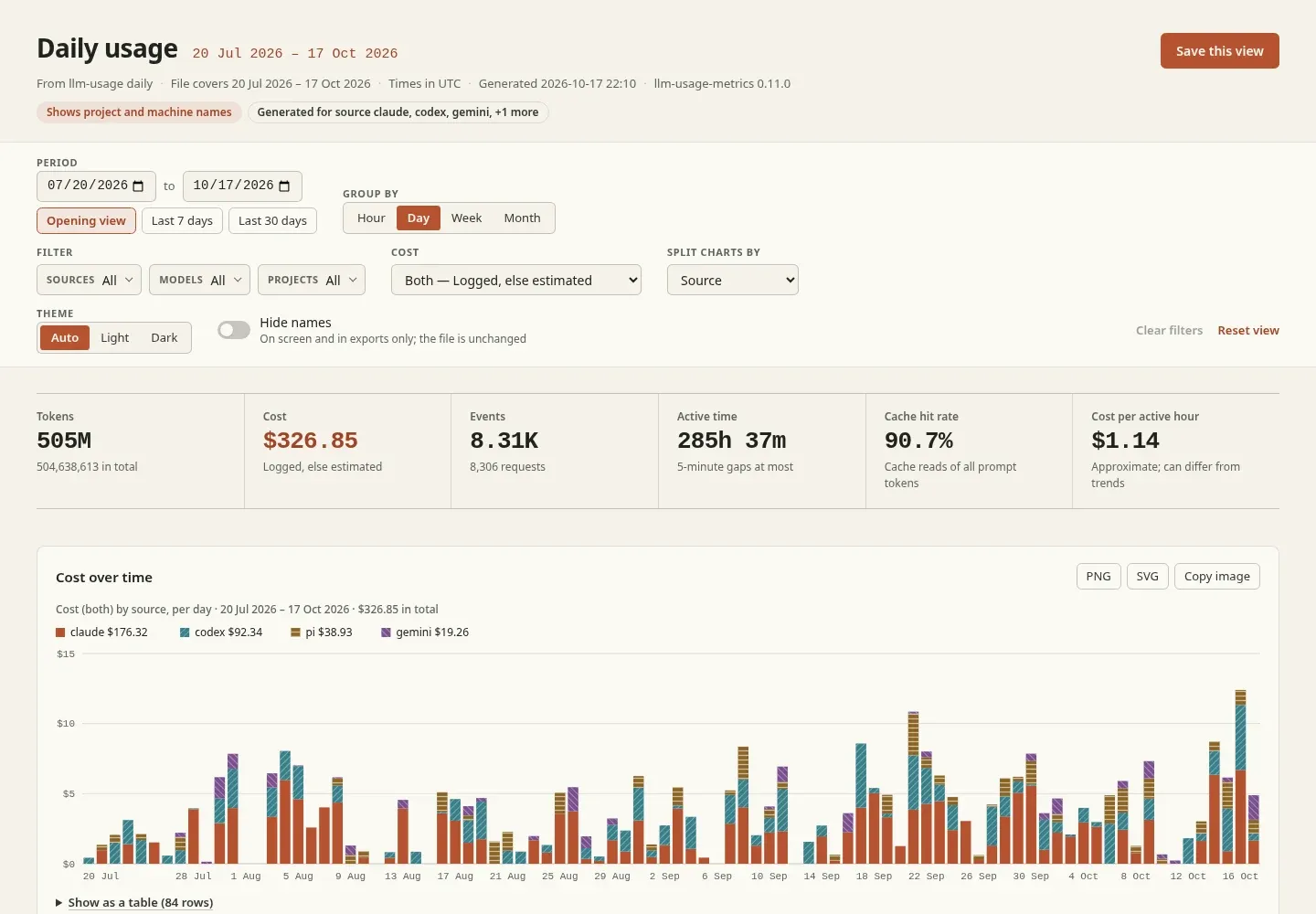
- Period: a date range inside the file’s window, with buttons for the opening view and the last 7, 30, and 90 days.
- Group by: hour, day, week, or month.
- Filter: sources, models, and projects.
- Cost: switch between logged, estimated, and “logged, else estimated” costs (the
--cost-modechoices). - Split charts by: source, model, project, or machine.
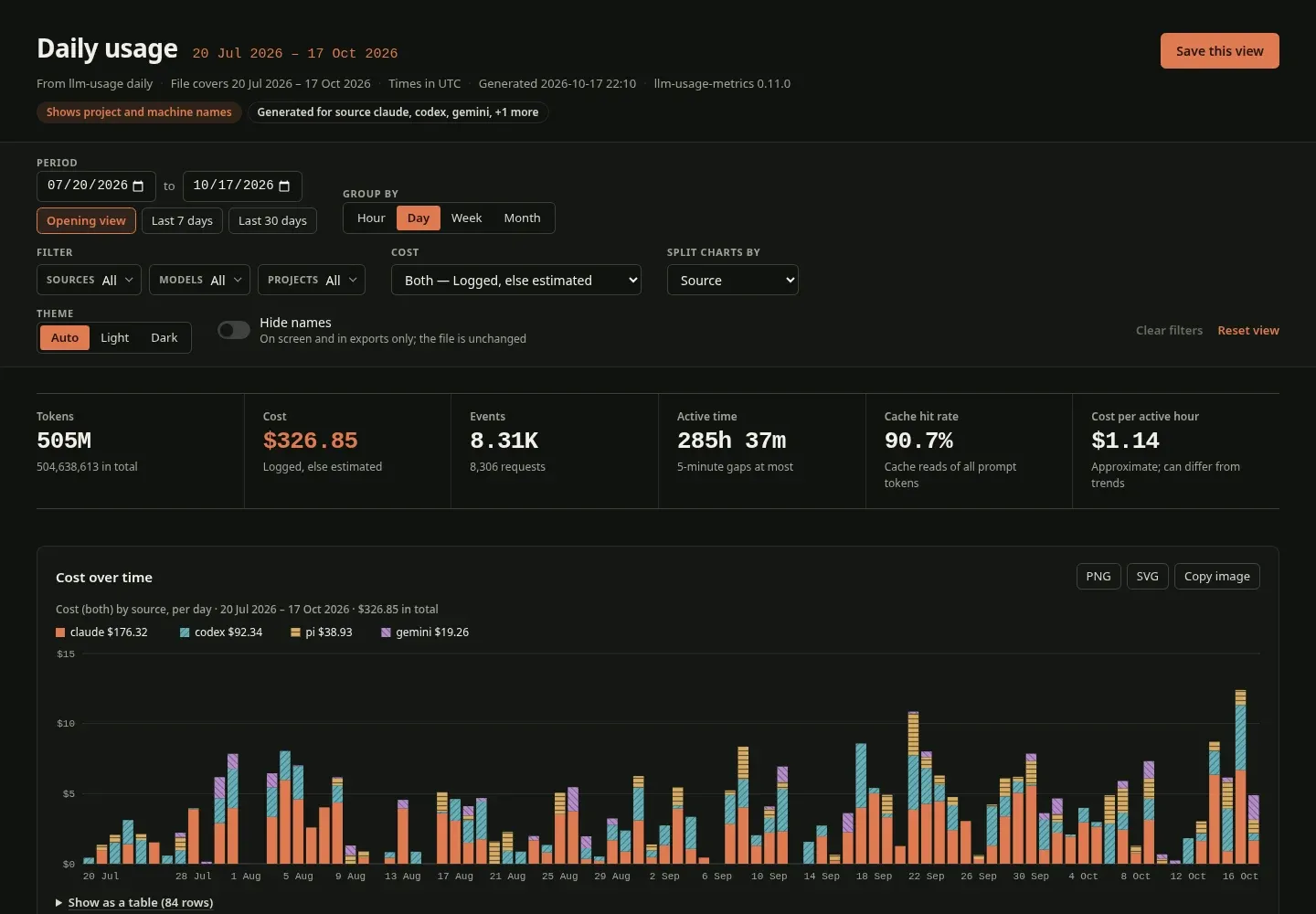
- Theme: auto, light, or dark.
- Hide names: masks project and machine names on screen and in exported images.
- Save this view writes a copy of the file, named
<file>-view.html, that opens on the current filters.
Below the controls, a row of totals (tokens, cost, events, active time, cache hit rate, cost per active hour) and these charts:
- cost over time and tokens over time, stacked by the split you chose
- cost by project, and model mix (each model’s share of tokens and of cost)
- cache hit rate and cost per active hour over time
- an hour-of-day by weekday heatmap
- a 5-hour blocks chart, shaded by tokens (see 5-hour blocks)
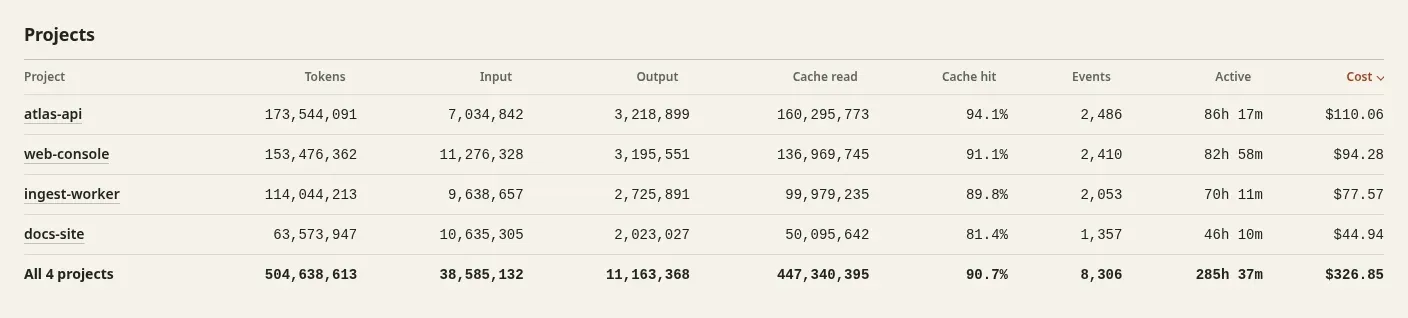
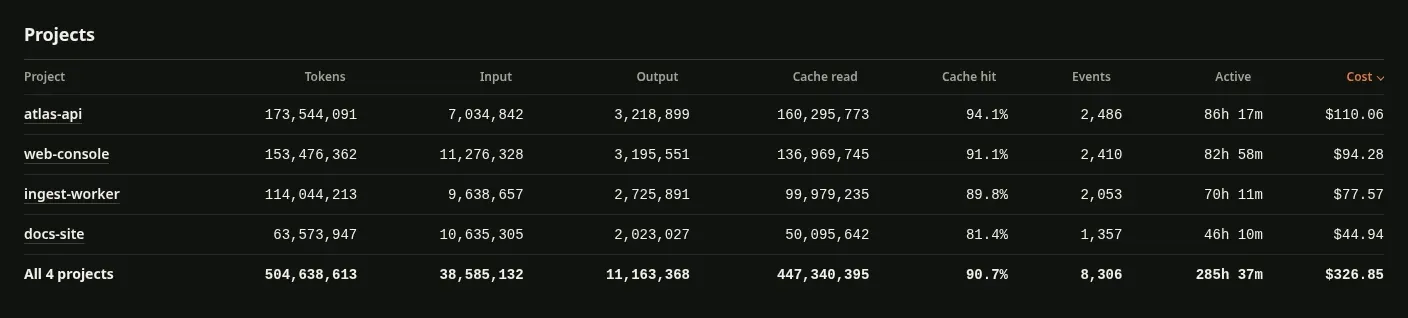
- a sortable projects table; select a project to list its sessions
Each chart has PNG and SVG downloads, a Copy image button, and a Show as a table view of its numbers. Copying an image needs a browser that allows image clipboard writes; the downloads work everywhere.
The page keeps the current view in the URL after #, so reloading or bookmarking the file returns to it.
Names and privacy
Section titled “Names and privacy”The file shows project folder names, never full paths, and never session IDs; a session is labelled with its source and start time. Machine names come from your machine configuration.
llm-usage monthly --share --redact--redact writes project-1, project-2, … and machine-1, … into the file instead, numbered by tokens, most first. (unattributed) and local stay as they are. A model whose name holds a path, or that LiteLLM does not list (a local or custom model, even one your pricing overrides price), becomes model-1, model-2, … the same way; models LiteLLM lists keep their names. The stderr lines use the same stand-ins and print every path as <path>, except the line that names the file written. Use it before you send the file to someone.
--redact keeps the time zone and the exact start and end time of each session, since the page needs them to place usage by hour and day. Together they tell a reader roughly where you are and when you work. Hide names in the page is different: it only changes the screen and exported images, and the file, including a saved view, still holds the real names.
--no-cost leaves every cost out of the file, so the page shows tokens only:
llm-usage weekly --share --no-costThe file is readable by you only (mode 0600 on Linux and macOS). A rerun replaces it, and a symlink at its name is replaced, not written through.
The file loads nothing from the network: the data, styles, and script are inside it, and its Content Security Policy blocks every other request. It needs no server; open it from disk or attach it to a message.
Costs in the file
Section titled “Costs in the file”Without --no-cost, the file holds logged, estimated, and combined costs, so the page can switch between them. That loads pricing even when the command runs with --cost-mode explicit: from the price cache, or downloaded when the cache is cold, unless you pass --pricing-offline. If prices do not load, the file keeps logged costs only and a warning on stderr says so. See Pricing.
File size
Section titled “File size”The file targets about 8 MB. When a long history would go past that, usage older than 90 days before the end of the window is kept by day instead of by hour, and the page says from which date hourly detail starts. Each project keeps its 200 most recent sessions. A shorter window or narrower filters make the file smaller.
Read the data back
Section titled “Read the data back”The page reads its data from a <script type="application/json" id="report-data"> element: a versioned envelope with "report": "share", holding name dictionaries, an hourly usage cube, sessions, and blocks. Its contract is report-share.v1.schema.json, also printed by llm-usage schema share. For data to process in scripts, the --json output of the same command is simpler.