
See and change what Claude Code loads in this directory.
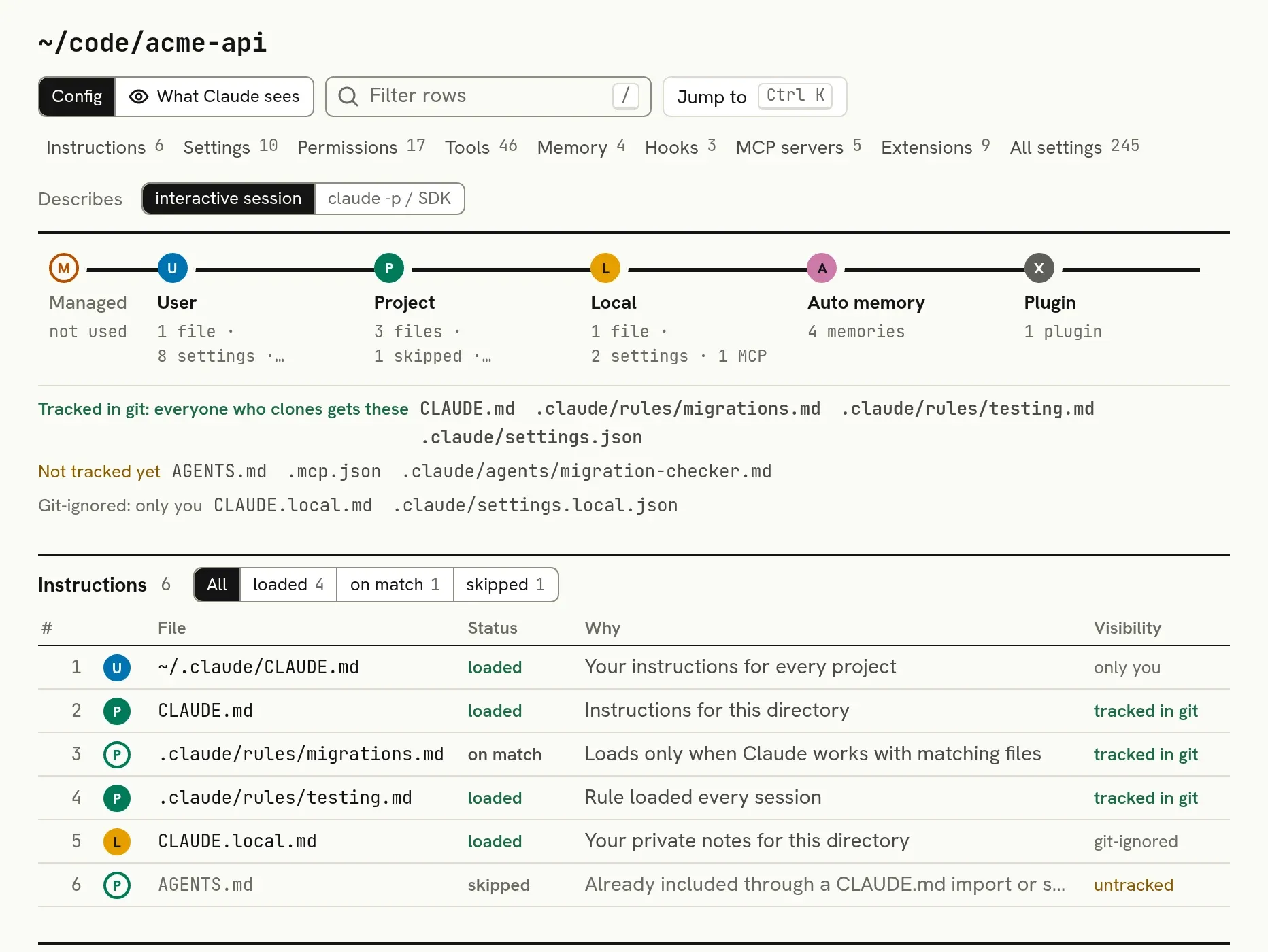
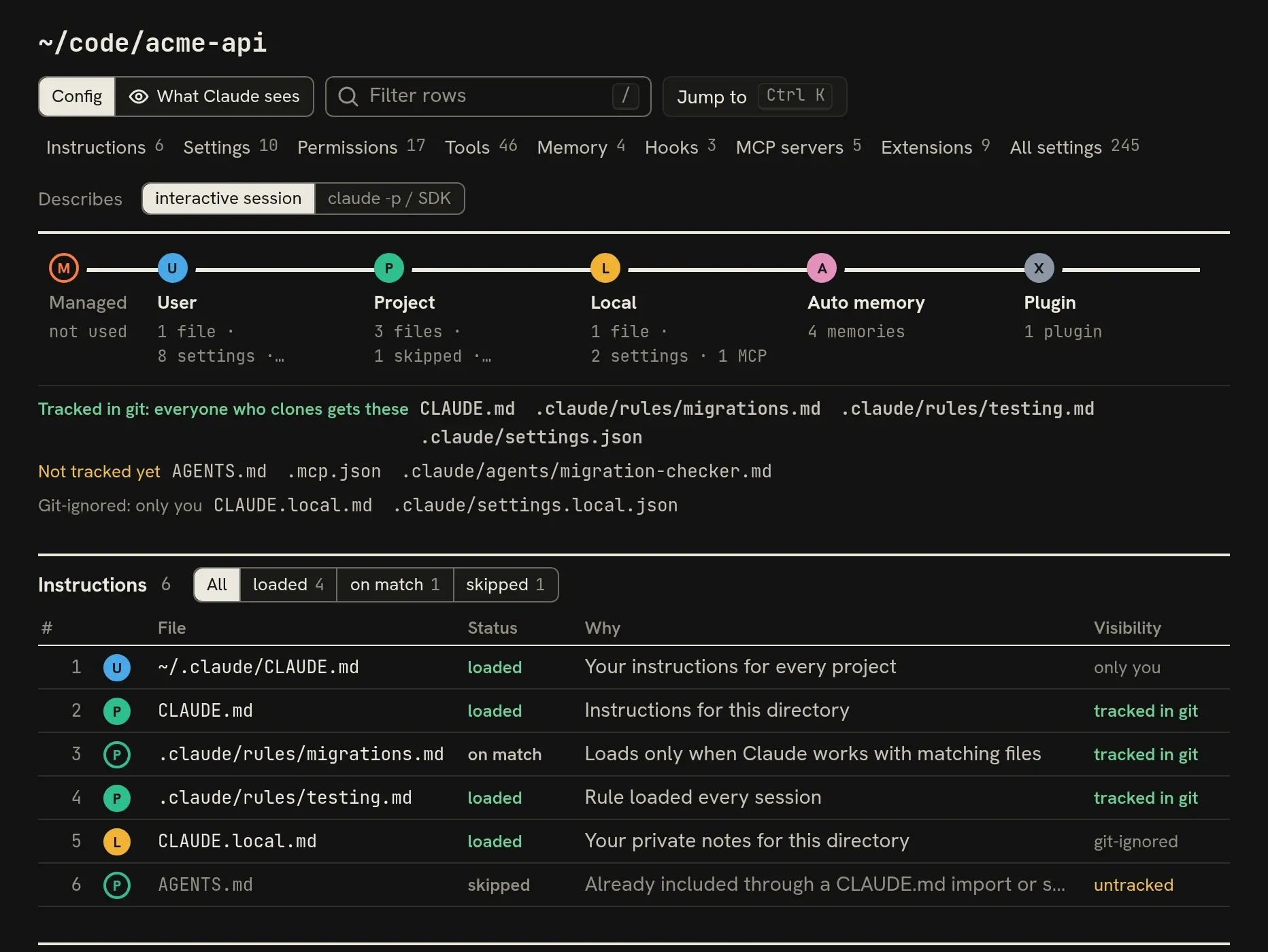
Claude Code's instruction files, settings, permission rules, hooks, MCP servers, skills and memory each live in their own file, at one of six scopes: managed, user, project, local, auto memory or a plugin. ccdesk opens in your browser on one directory, lists all of it in the order Claude Code loads it, and names the file behind each piece. When something is wrong, change it on the same page: you review the diff first, and every file ccdesk writes is backed up and can be undone.
Local only, no telemetry · Node.js 22.19 or newer · Linux, macOS and Windows · MIT
The load order, stop by stop
Pick a stop to light up what it adds in the screenshot below.
Set by your organisation, for everyone on the machine
- managed-settings.json
- managed-settings.d/*.json
- CLAUDE.md
- managed-mcp.json
Yours, in every project
- ~/.claude/CLAUDE.md
- ~/.claude/settings.json
- ~/.claude/rules/
- ~/.claude/agents/
- ~/.claude/skills/
- user MCP servers
Committed, so everyone who clones gets it
- CLAUDE.md
- AGENTS.md
- .claude/settings.json
- .claude/rules/
- .claude/agents/
- .mcp.json
Yours, in this project only
- CLAUDE.local.md
- .claude/settings.local.json
- local MCP servers
Saved by Claude, per directory
- ~/.claude/projects/…/memory/MEMORY.md
- one file per memory
Added by plugins you enabled
- skills
- subagents
- commands
- hooks
- MCP servers
Questions it answers
Each answer is a row in ccdesk that names the file it comes from. Open a question to see the row and where to find it in the app.
| You want to know | ccdesk shows | In ccdesk |
|---|---|---|
| The ask rule and its settings file, ready to move or remove | Permissions3 | |
| The value that wins, and the ones it beats | Settings2 | |
| Loaded, on match or skipped, with the reason | Instructions1 | |
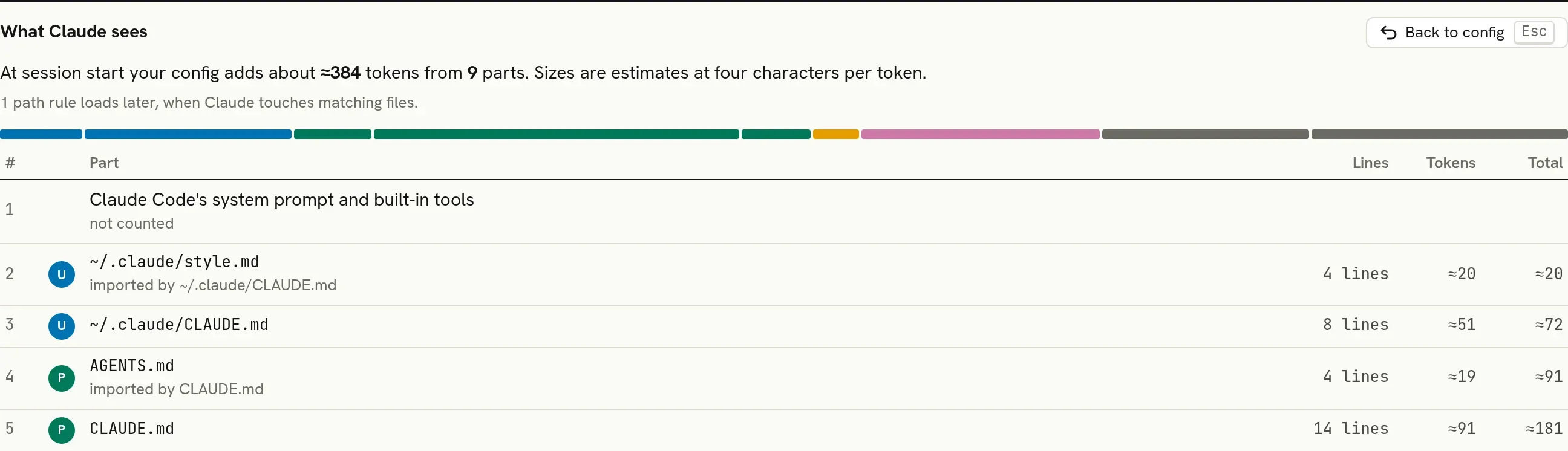
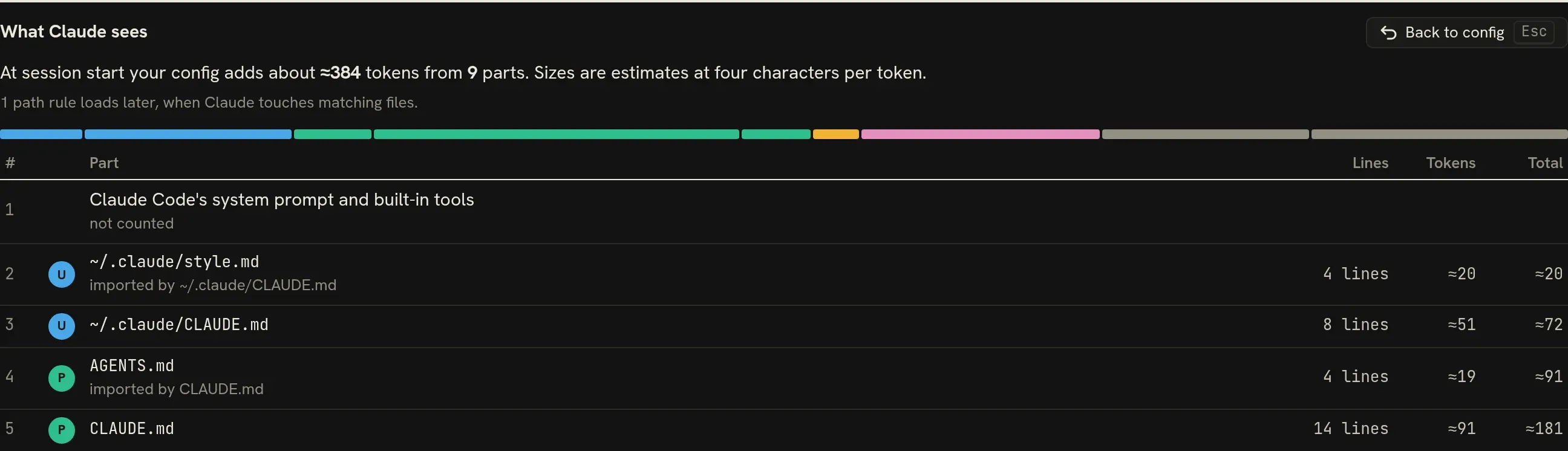
| Each part in load order, with estimated tokens | What Claude sees | |
| Rules that covered no call in this project's sessions, ready to remove | Permissions3 | |
| Suggested allow rules, with how often you said yes | Permissions3 | |
| Each server's status, scope and target | MCP servers7 | |
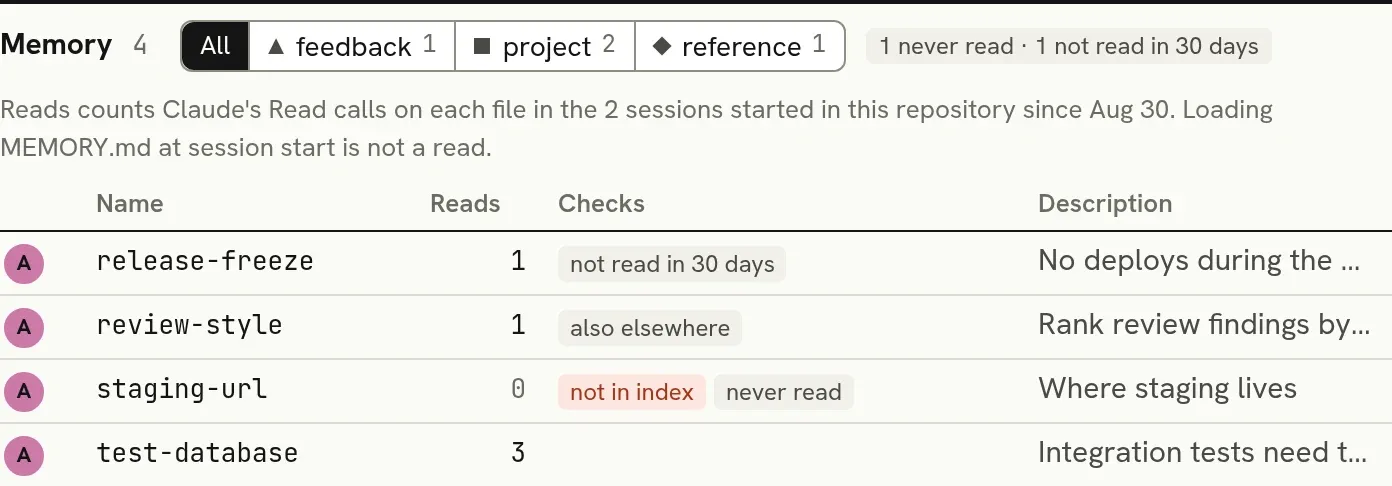
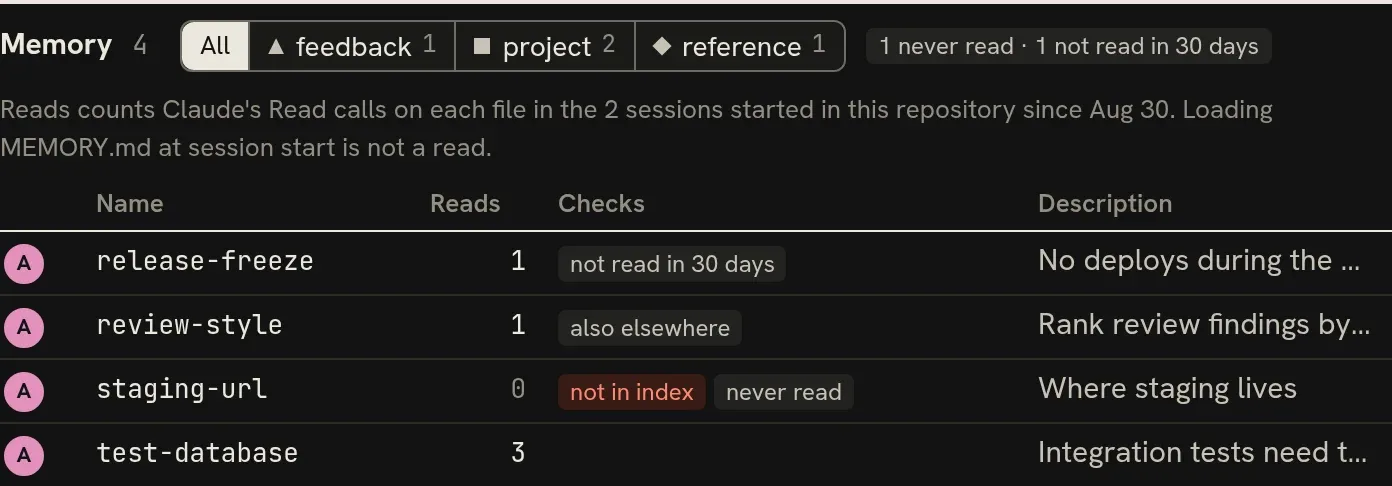
| How often Claude read each memory, and the ones it has not read lately | Memory5 | |
| Memories found under more than one directory | Memory5 | |














Every change is a diff you review first
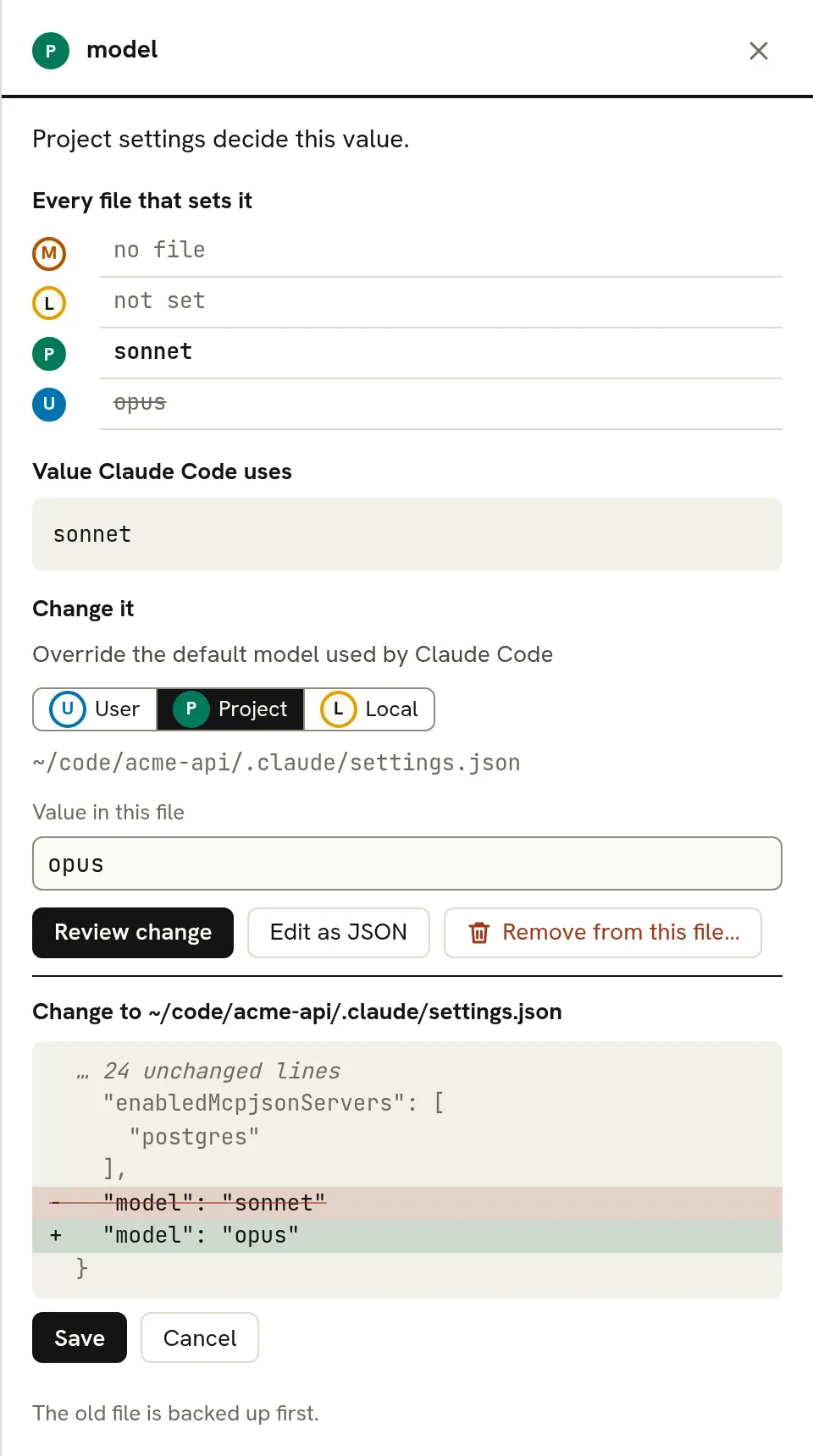
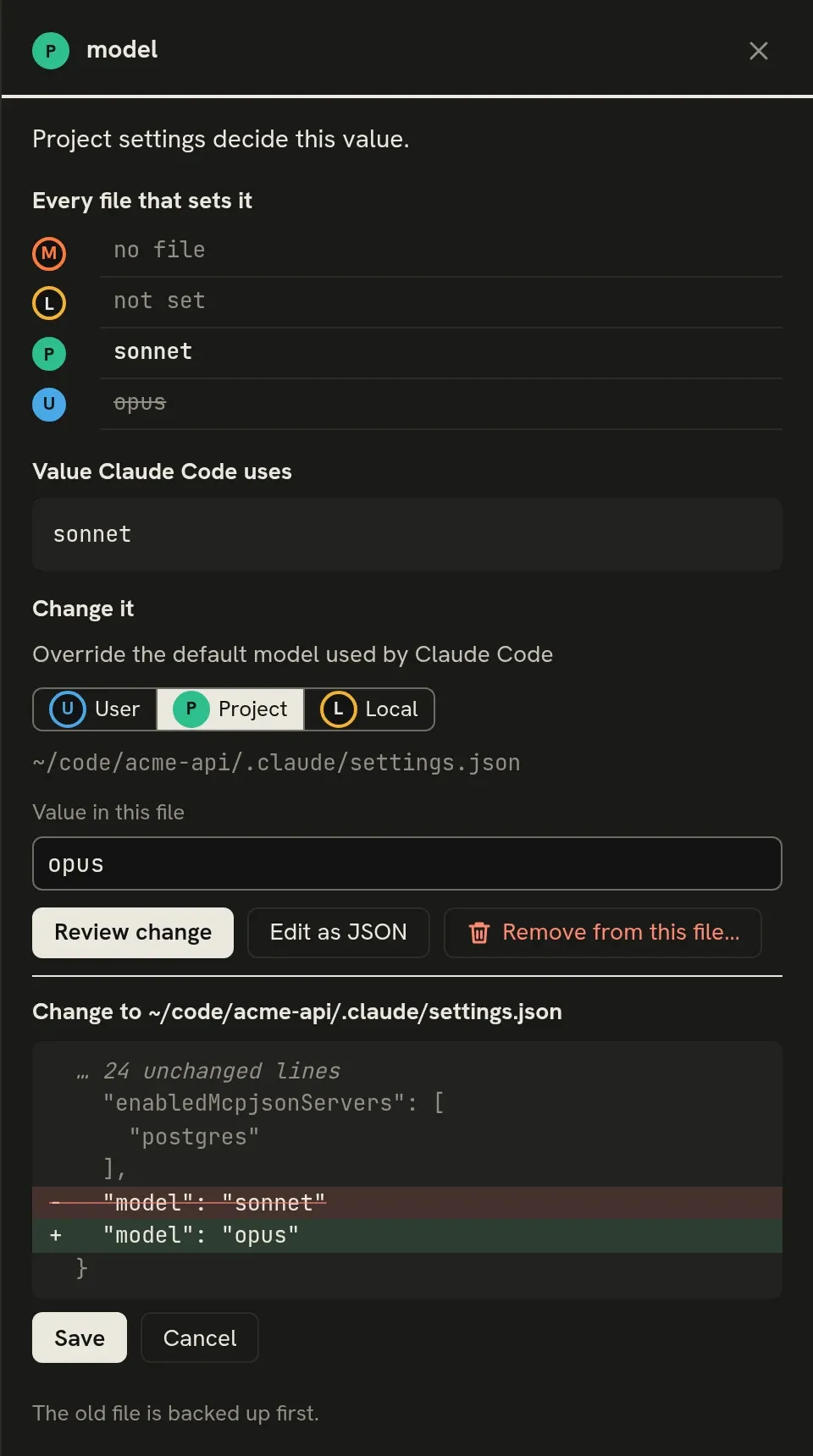
- Settings, permission rules, hooks, MCP servers, subagents and memory can be changed. Instruction files open in your own editor.
- Settings are checked against Claude Code's own settings schema, and can be written only to files Claude Code reads that key from.
- Save writes exactly the reviewed diff. If Claude Code or your editor changed the file in the meantime, ccdesk asks you to review again.
- The old file is backed up first. Undo is one click, and Recent changes can restore every file ccdesk wrote. MCP servers changed through
claude mcpare listed there with the commands that put them back.
Fail a build when a session would read a broken file
ccdesk check lists the files a session started in a folder reads but Claude Code cannot: a settings file or .mcp.json that is not valid JSON, a settings file whose shape its schema rejects, a CLAUDE.md or rule it cannot read. It exits 1 when there are any, so run it in CI. It only reads, and counts only the repository's own files.
$ npx ccdesk check
Claude Code cannot read these files and may skip them:
  .claude/settings.json: not valid JSON (line 4, column 3)
  .mcp.json: not valid JSON (line 2, column 1)

2 problems in a session started in ~/code/acme-api.
It stays on your machine
The server listens on 127.0.0.1 only and needs a token made for each run. ccdesk makes no network requests and sends no telemetry.
Values under env and headers show as •••, even in diffs. ~/.claude/.credentials.json is never read, and ~/.claude.json is never written.
Transcripts are read only to count tool calls, reads of memory files and your answers to permission prompts. Commands, URL hosts and the paths Claude read stay inside the ccdesk process; only counts, times and rule patterns reach the page.
Try it on a project you use Claude Code in
ccdesk is an independent open-source project under the MIT licence. It is not made or endorsed by Anthropic.