
What Claude sees
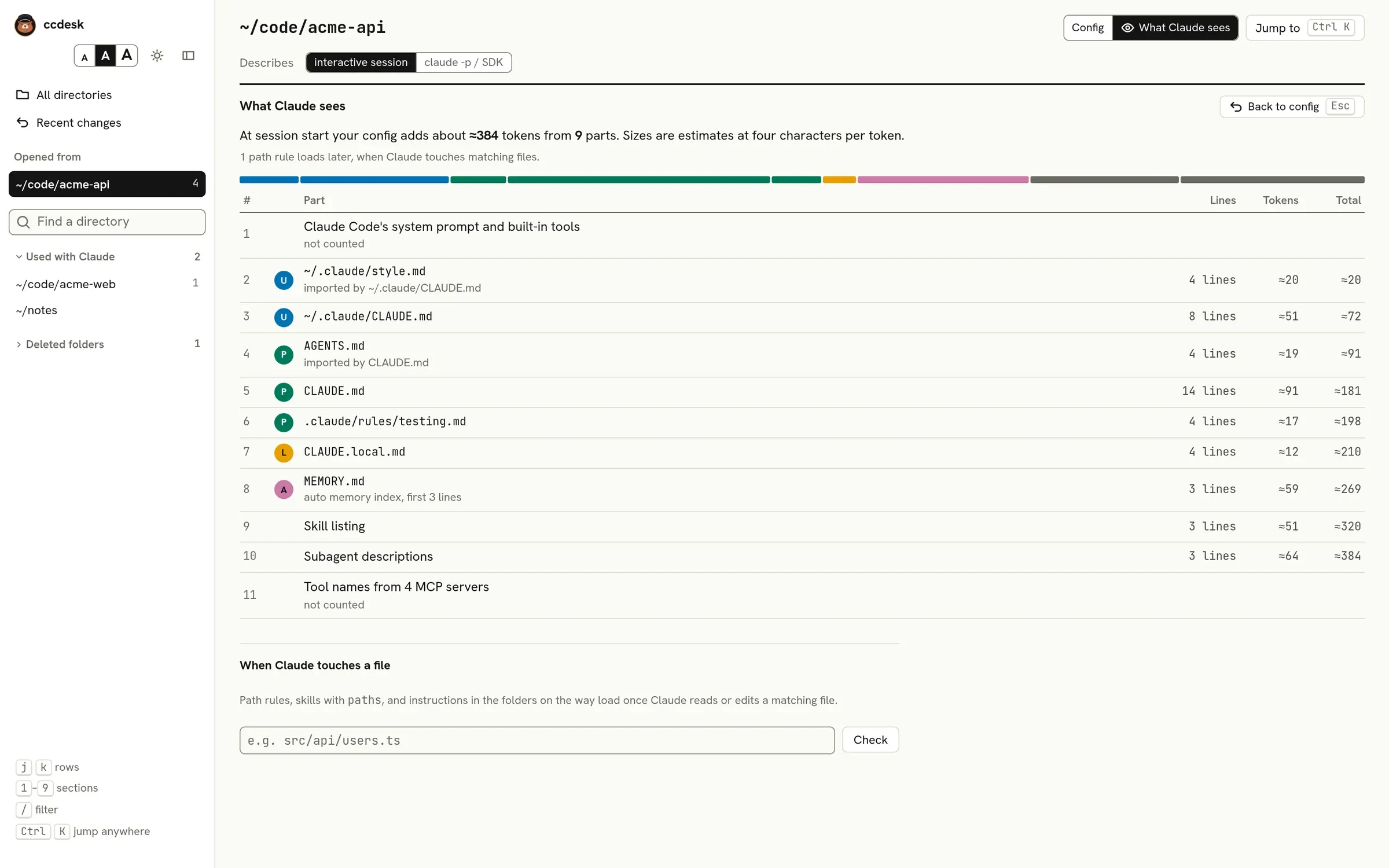
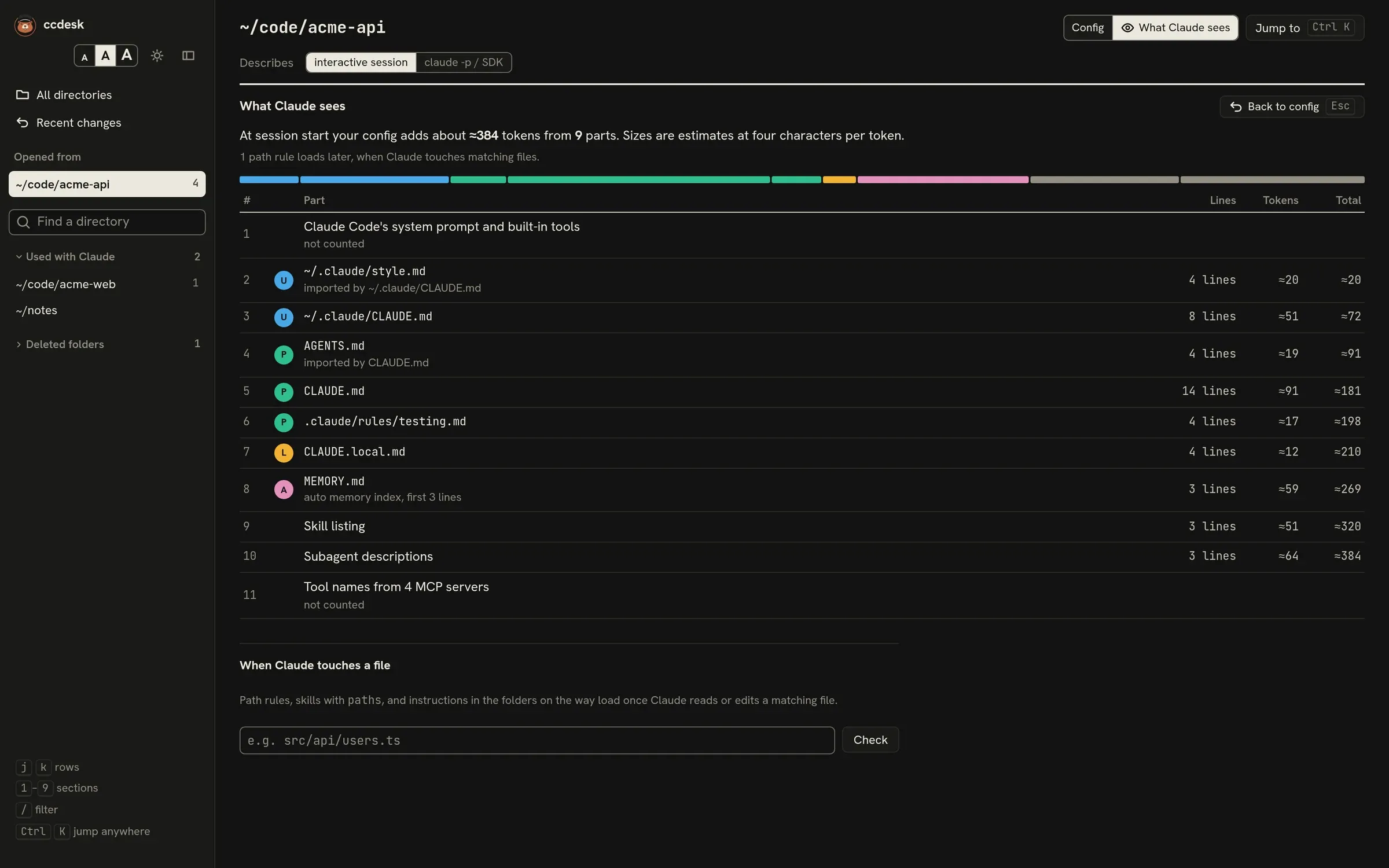
What Claude sees, the switch beside Config at the top of a directory page, lists what your config adds to Claude’s context when a session starts in this directory, in load order. Back to config at the top of the view, or Esc, returns to the tables.
What is listed
Section titled “What is listed”- Claude Code’s own system prompt and built-in tools. Listed so the order is complete, but not counted.
- Your output style, if you picked a custom one. The built-in styles add nothing here.
- Each instruction file that loads, with its imports placed before it. Frontmatter and HTML comments are left out, because Claude Code strips them.
- The part of
MEMORY.mdthat loads: the first 200 lines or 25 KiB, whichever ends first. Only when auto memory is on. - The skill listing: the name and description of each skill and command Claude can pick by itself. A skill with
pathsjoins it only once Claude works with a matching file, so it is not counted here. - Your subagents’ descriptions.
- The tool names of your MCP servers. Listed but not counted, because ccdesk does not connect to the servers.
Each row shows its line count, an estimated token count and a running total; click a row to read its text. The bar at the top shows each part’s share in its scope colour. A part that has no one scope, such as Claude Code’s own system prompt or a skill listing with skills from your user folder and the project, has no letter and shows grey. If the total passes 8,000 tokens, ccdesk points it out.
How tokens are estimated
Section titled “How tokens are estimated”ccdesk divides each part’s size in bytes by four. That is a rough figure for comparing parts and spotting a file that has grown too long, not a count from Claude’s tokenizer.
What is not counted
Section titled “What is not counted”- Path rules (status on match). The summary says how many load later.
- Skipped files.
- Imports that wait for your approval, and imports larger than 4 MiB.
- Imports of files outside the project, your Claude folder,
~/.agentsand the managed folder. ccdesk lists them and notes that Claude Code still loads them, but does not show their text. - Built-in subagents and output styles.
When Claude touches a file
Section titled “When Claude touches a file”Under the list, type a path (relative to the open directory, or absolute) and press Check. ccdesk lists what joins the session once Claude reads or edits that file:
- path rules whose
pathsmatch it; - skills found at startup whose
pathsmatch it; - the
CLAUDE.md,CLAUDE.local.md,AGENTS.md, rule files and skills of the folders between the open directory and the file. A skill there loads whatever itspathssay, as in Claude Code 2.1.296; the skills docs do not say.
paths are matched as Claude Code matches them, which differs from the docs’ table; see on match. A paths glob of a skill that loads at startup is read from the open directory, wherever the skill is.
The file does not have to exist. Paths outside the open directory get no results, because nothing from this directory’s config applies there.