
Permissions
The Permissions section lists every allow, ask and deny rule from every settings file that applies to the open directory, plus defaultMode and extra folders (additionalDirectories).
How rules combine
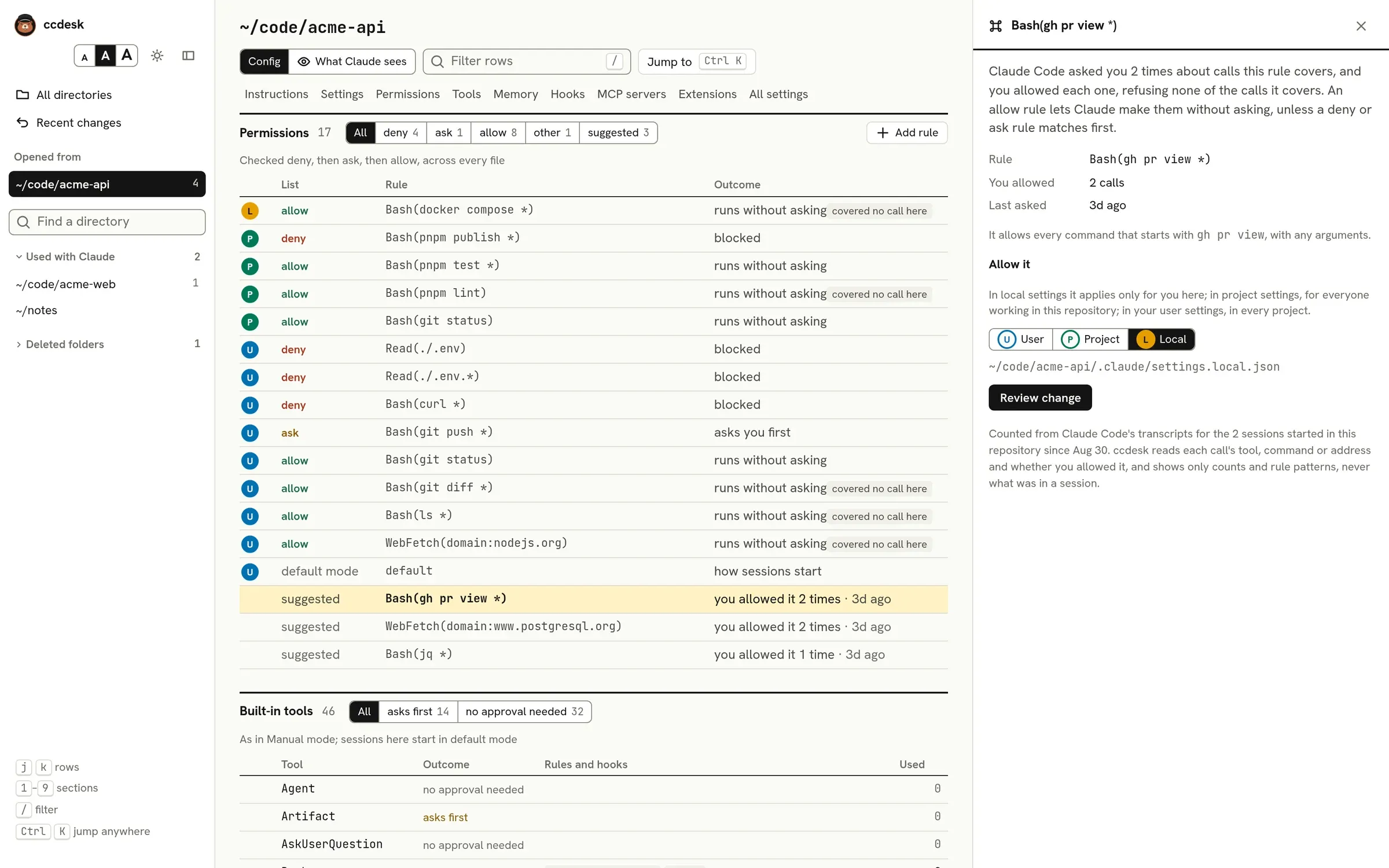
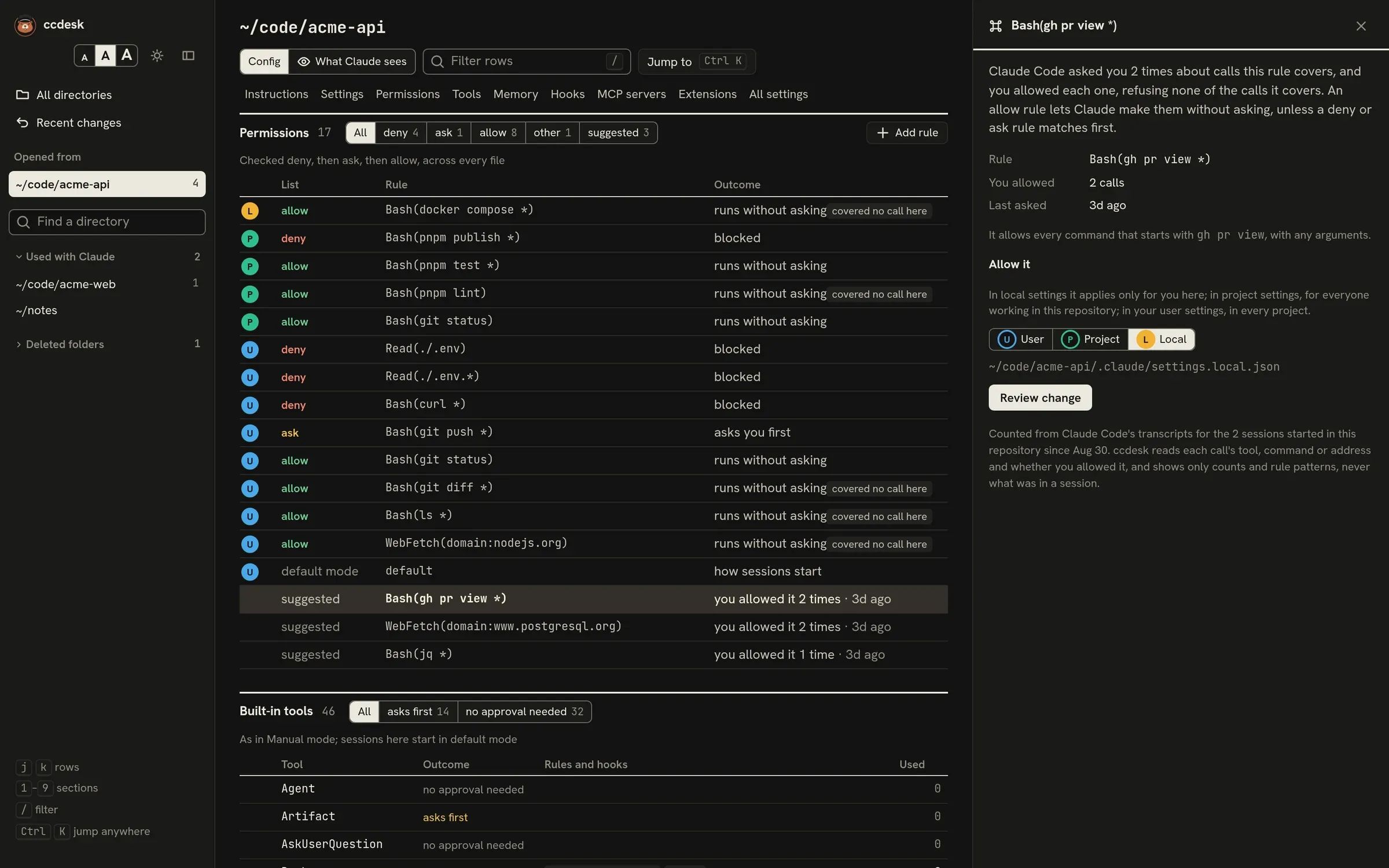
Section titled “How rules combine”Claude Code pools the rules from all files and checks deny first, then ask, then allow. ccdesk shows each rule with the outcome it has here:
- blocked for deny rules, asks you first for ask rules, runs without asking for allow rules.
- A rule that the same rule in an earlier-checked list beats is dimmed, with a flag naming the rule that wins. ccdesk compares rule text; it does not work out whether two different patterns overlap.
- Not in effect marks allow rules and extra folders from a project or local file that wait for you to accept Claude Code’s trust dialog for the folder. Your local file applies without the trust step when you start in your home folder, or in the folder whose
.claudeisCLAUDE_CONFIG_DIR, unless Claude Code keeps the local file at the root of a repository around that folder. Started in a subfolder, the same file waits for trust. Deny and ask rules apply right away. The header of the page says when the folder is not trusted yet. - When managed settings set
allowManagedPermissionRulesOnly, every rule outside managed settings is marked not in effect. - An allow rule whose tool name is a glob, such as
*ormcp__*, is marked not in effect: Claude Code skips it with a warning. An allow glob works only after a server name, as inmcp__github__get_*. Deny and ask rules may glob any tool name.
An allow rule is flagged covered no call here when the transcripts for this directory contain no call it would have allowed. That can mean the rule is stale. ccdesk counts calls for whole-tool rules, Bash command patterns and WebFetch(domain:…) rules; path rules and other rules with a specifier are not counted and never flagged.
Changing rules
Section titled “Changing rules”Select a rule to move it to another list or remove it. Add rule adds a new one to the file you choose. Each change gets the same diff review, backup and undo as settings. Rules from managed settings cannot be changed.
Suggested rules
Section titled “Suggested rules”When Claude Code asked you about a call and you allowed it, ccdesk turns the call into the allow rule that would have covered it, and lists it at the bottom of the section as suggested, with how many times you allowed it and when. For example Bash(pnpm test *) or WebFetch(domain:nodejs.org).
A suggestion is left out when:
- the rule would also cover a call you refused;
- your rules already decide those calls;
- the same rule already exists in any list.
For Bash, ccdesk suggests a rule only for a single command without pipes, ;, &&, redirections, $ or backticks, and only when the command is one of:
- a read-only program such as
ls,cat,grep,jq,diff,wcorpwd; - a subcommand whose flags cannot run another command or write a file you did not name, such as
git status,gh pr viewordocker ps; - a script runner such as
pnpm test,npm runorgit commit. This is the rule Claude Code’s own prompt offers, but keep in mind that it runs your project’s scripts or hooks, and that npm and pnpm flags such as--node-optionscan make it run other code.
A rule for sed, make, go test, gh repo, git stash or an install command could allow far more than what you approved, so ccdesk never suggests one. File tools such as Read and Edit get no suggestion. Other tools, including MCP tools, get a rule for the whole tool.
Select a suggestion to see what it would allow, then add it. It goes into local settings by default, as Claude Code’s “don’t ask again” does; you can pick project or user settings instead.
Your answers to permission prompts come from a field in Claude Code’s transcripts that is not documented, so older transcripts may not have them. See Tool usage counts for which sessions are read.
Built-in tools
Section titled “Built-in tools”The Built-in tools section lists every tool Claude Code ships with, what it does, and what happens when Claude reaches for it here:
- removed: a deny rule names the whole tool, so Claude cannot use it at all;
- asks every time or runs without asking: an ask or allow rule names the whole tool;
- asks first or no approval needed: no rule names the whole tool, so the tool’s own default applies.
The outcomes are worked out as in Manual mode; the section header says which mode sessions here start in. Rules that cover only some uses, such as Bash(git push *) or an Edit path, and PreToolUse hooks whose matcher covers the tool are listed beside it. A rule naming the whole of Bash is listed under Monitor this way too: Monitor runs its commands under the Bash rules, but not its WebSocket watches. An Edit allow path is also listed under Read, Grep, Glob and LSP, because it grants reading that path as well. Used counts how often Claude called the tool in this directory’s sessions, and shows ? if the transcripts could not be counted; see Tool usage counts.
Select a tool to turn it off with a deny rule in the file you choose, or turn it back on by removing the rules that remove it. A tool removed by a managed rule stays off.