
MCP servers
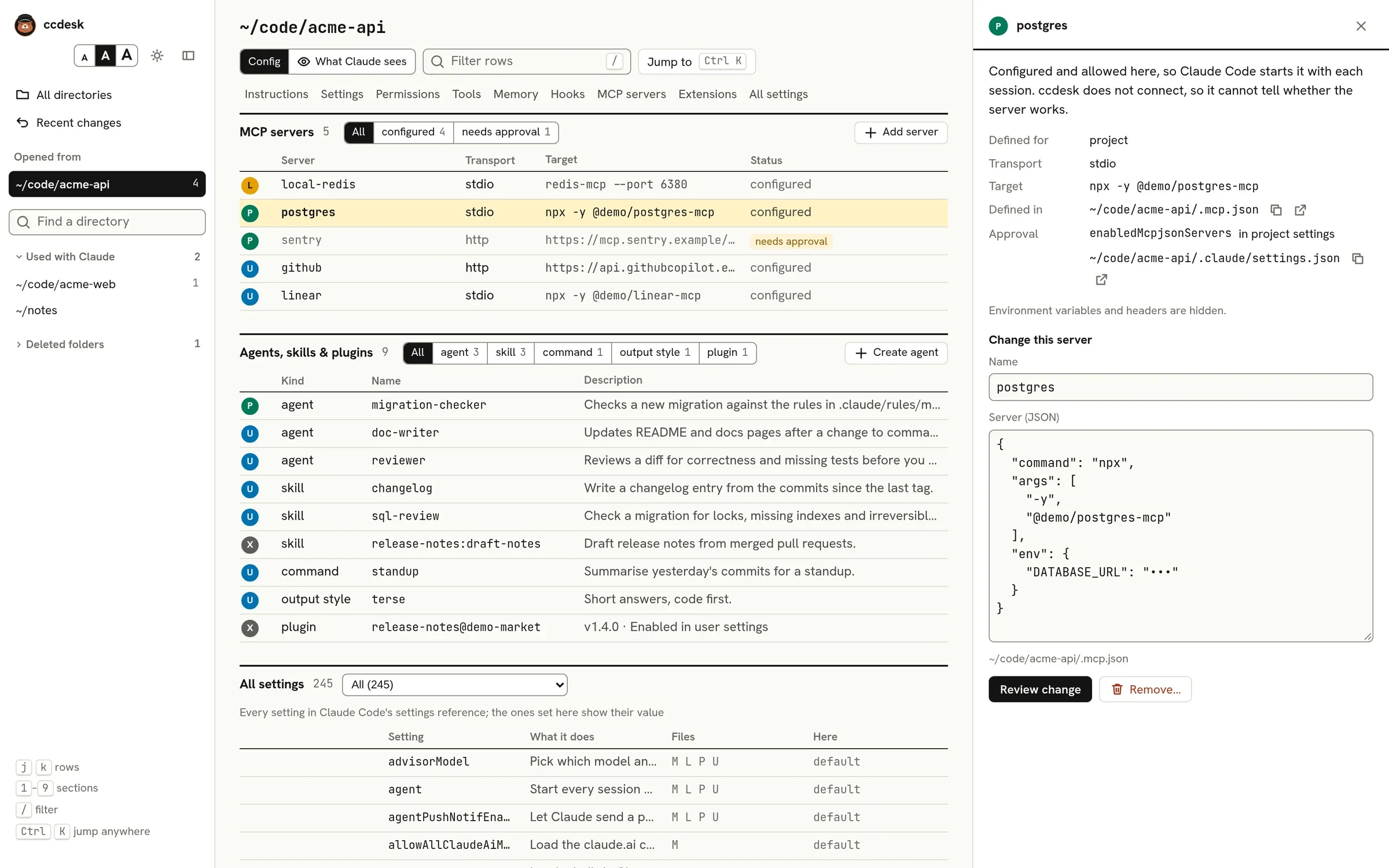
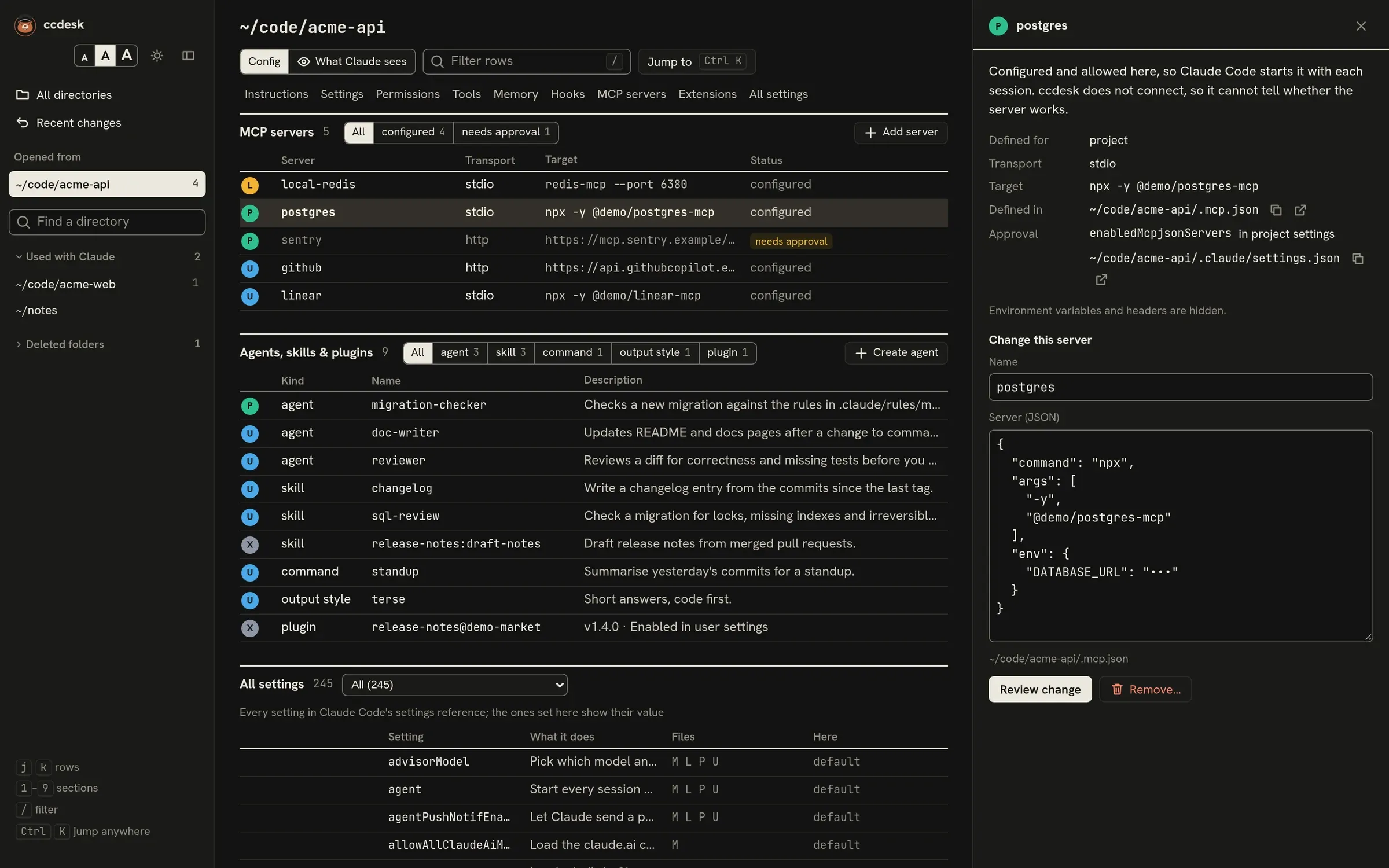
The MCP servers section lists every MCP server defined for the open directory, with its scope, transport (stdio, http or sse), what it runs or connects to, and its status.
Where servers come from
Section titled “Where servers come from”In the order Claude Code gives them precedence:
- Managed:
managed-mcp.jsonin the managed folder, ormanagedMcpServersin managed settings. Ifmanaged-mcp.jsonexists, it is the only source. - Local: your servers for this project, in
~/.claude.json. In a git repository they belong to the main checkout’s root, so every subdirectory and worktree shares them. - Project:
.mcp.jsonin the open directory, shared through the repository. - User: your servers for every project, in
~/.claude.json. - Enabled plugins. A plugin’s server is listed under the name Claude Code registers it as,
plugin:<plugin>:<server>, which is the namedeniedMcpServers,allowedMcpServersand/mcpuse for it.
When two scopes define a server with the same name, the first one wins and the others are marked overridden. A plugin server that points at the same command or URL as one above it is overridden the same way.
Status
Section titled “Status”- configured: Claude Code starts it in sessions here. ccdesk does not connect to servers, so it cannot tell whether a server works.
- needs approval: a project server you have not approved yet, from the project’s
.mcp.jsonor from a plugin in its.claude/skills(namedplugin:<plugin>:<server>). Approvals come fromenableAllProjectMcpServersorenabledMcpjsonServersin your settings, or from answering Claude Code’s prompt. Approvals in a project file count only once you trust the folder itself. Approvals in a local file that git does not track also count under a trusted parent folder, inclaude -p, and in the local file of your configuration home (your home folder, or the folder whose.claudeisCLAUDE_CONFIG_DIR) when you start Claude Code there.claude -pand the SDK connect these servers without asking, so they show as configured in the claude -p / SDK view. - rejected: listed in
disabledMcpjsonServers. - turned off: switched off for this project in Claude Code.
- blocked: kept out by managed settings that set
strictPluginOnlyCustomizationtotrue, or to a list namingmcp, which allow only plugin and managed servers; or excluded bydeniedMcpServersorallowedMcpServersin your settings. As in Claude Code,${VAR}and${VAR:-default}references in a server’s command, arguments or URL and in a policy entry’sserverCommandorserverUrlare expanded before they are compared: a server’s from the environment ccdesk runs in plus theenvof your settings files, a policy entry’s from that environment plus managedenv. AnallowedMcpServersURL entry whose expansion changes its scheme, host or path counts for nothing, and a server it leaves blocked says so. The page shows every value as written, never expanded. - overridden: another scope defines a server with this name first (see above).
- invalid: Claude Code cannot use the definition as written: a
urlwithout atype, which Claude Code reads as a stdio server; atypeit does not know, orsdk, which only an SDK application can register; or a field from Claude Code’s MCP docs holding the wrong kind of value, such asargswritten as one string instead of a list. ccdesk checks the same rules before it adds or changes a server.
For a .mcp.json server, the inspector’s Approval field lists each settings file, and your saved answers in ~/.claude.json, that approve or reject it, with a note on any approval that waits for you to trust the folder.
Values under env and headers, and the user name, password and query string of a url, are shown as •••. So are secrets in args: the value after a flag ending in token, api-key, apikey, password, secret or key, or starting with --auth, such as --token, --access-token, --client-secret or --authorization (as --token value or --token=value); a header’s value after --header or -H, as in mcp-remote … --header "Authorization: Bearer •••", where the header’s name stays; an Authorization, Cookie, API key or token header, or a Bearer or Basic value, passed on its own; a value that starts like a common key (sk-, ghp_, github_pat_, xoxb-, glpat-, AKIA); and the credentials in a URL. The Target column hides them the same way.
A key written into a URL’s path, as some hosted MCP services do (https://example.com/mcp/<key>/sse), is not recognised and stays visible. Keep such a URL in an environment variable and write ${VAR} in the file.
Changing servers
Section titled “Changing servers”Add server asks for a name, a scope and the server as JSON. Select a server to change or remove it. ccdesk checks that a stdio server has a command and that other servers have a url; Claude Code checks the rest when it starts the server.
How the change is made depends on the scope:
- Project servers live in
.mcp.json. ccdesk writes the file itself, with the usual diff review, backup and undo, and the change appears in Recent changes. - User and local servers live in
~/.claude.json, which ccdesk never writes. Instead it runs Claude Code’s ownclaude mcp add-jsonandclaude mcp removecommands. The review shows the commands, with hidden values still hidden. ccdesk cannot undo these changes, but Recent changes lists each one with the servers before and after, values hidden, and theclaude mcpcommand that puts it back. They needclaudeon yourPATH, and each command has 30 seconds to finish. Saving checks~/.claude.jsonagain just before running them, butclaude mcp removeremoves a server by name: if another program changes that server in the moment between the check and the command, the removal takes the changed server.
Changing a user or local server removes it and adds it again. If adding fails, ccdesk puts the old definition back; if that fails too, the error message includes a command you can run to restore it.
A server with hidden values (in env, headers, its url or its args) can be removed but not changed, because ccdesk would have to write values it never shows. Change those in Claude Code or in the file. Plugin and managed servers are read-only.