
Recent changes, backups and undo
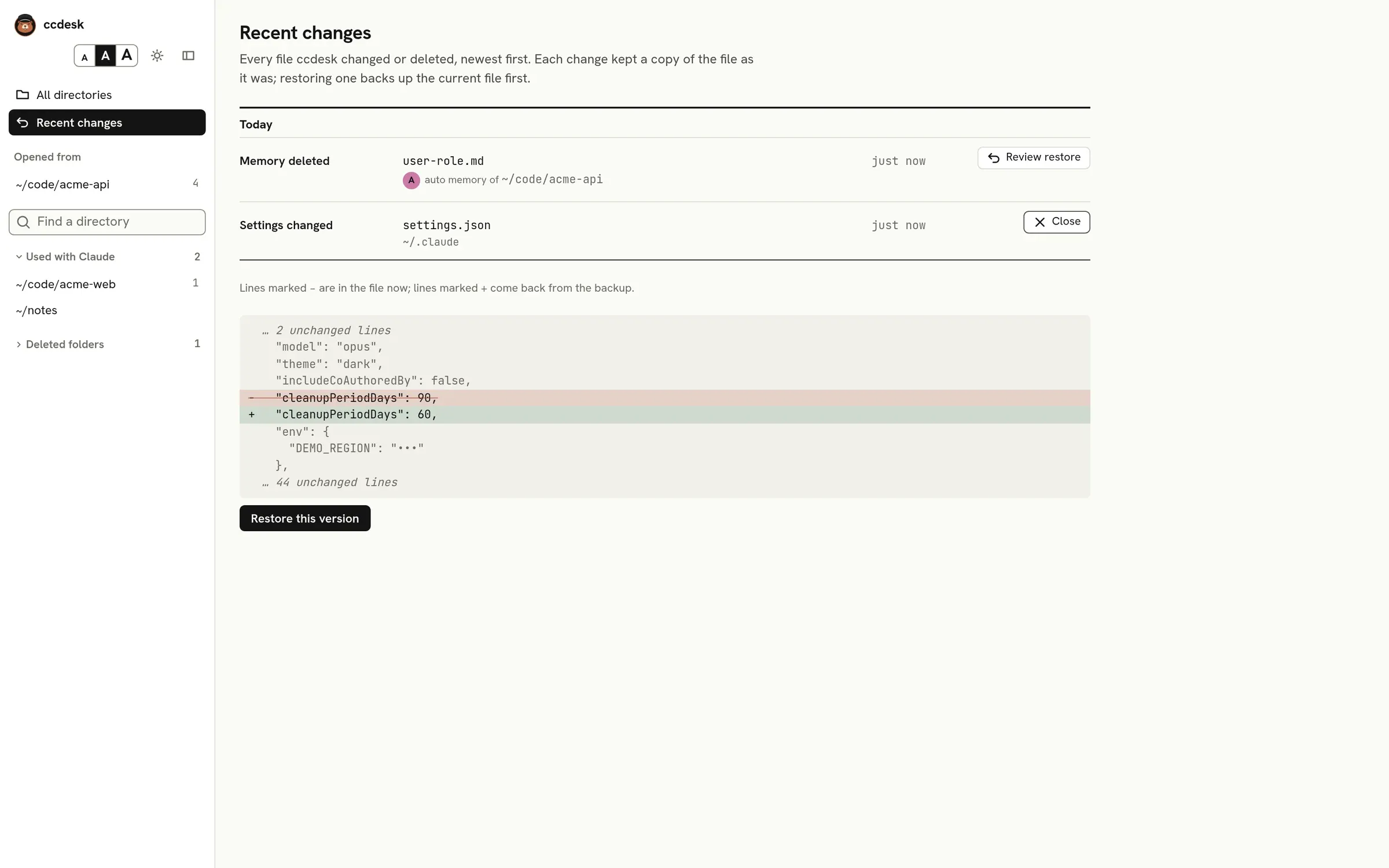
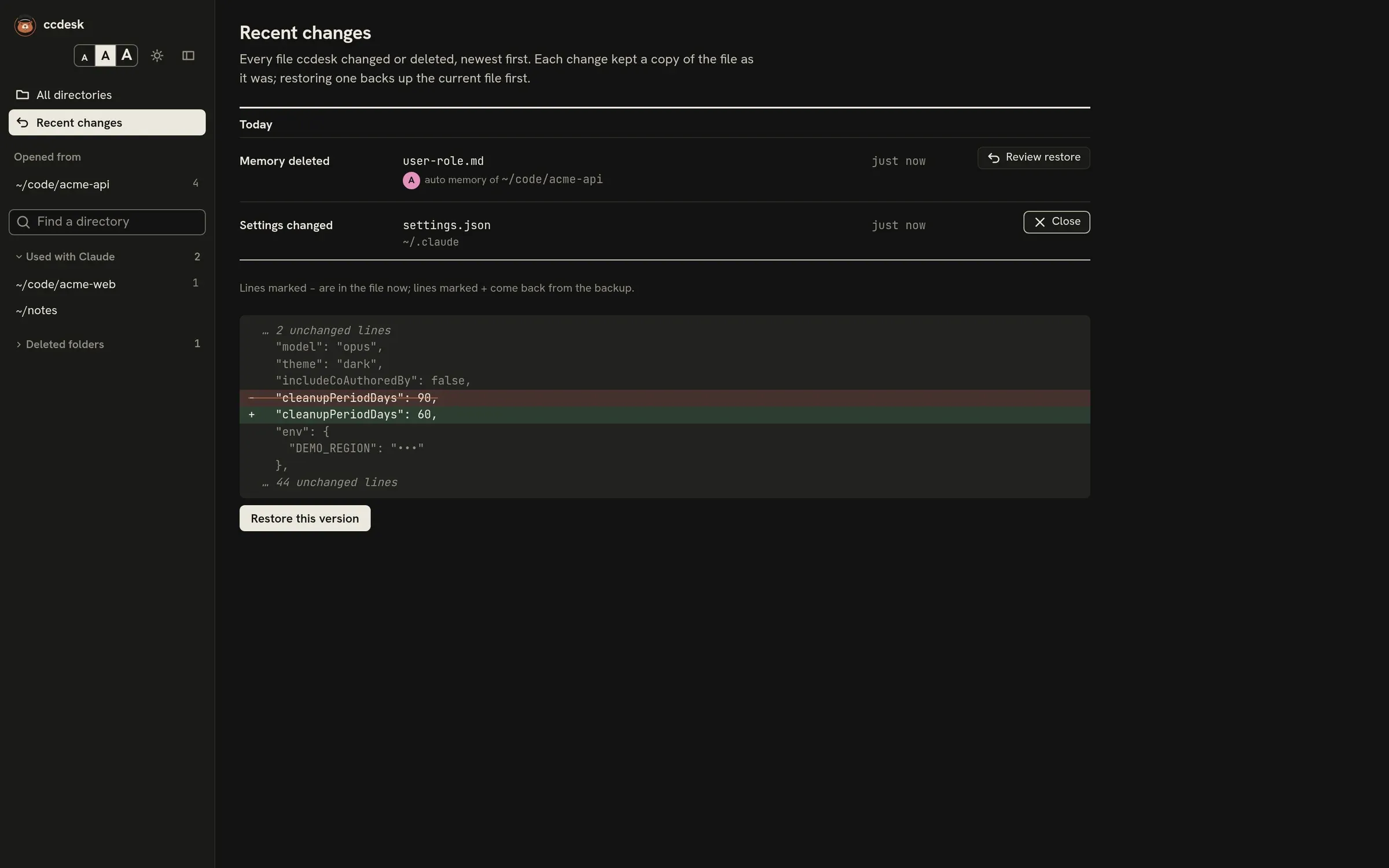
Every file ccdesk writes is backed up first. Recent changes, in the rail, lists those changes newest first, and each one can be reviewed and restored.
Backups
Section titled “Backups”Backups go to ~/.claude/backups/ccdesk/ (or backups/ccdesk in $CLAUDE_CONFIG_DIR). Each change gets a folder named after its time and kind, holding a copy of the file as it was and a small manifest that records which file changed and a fingerprint of its text before and after. On Linux and macOS the folders and files are readable only by you, because backups of settings can hold secrets. ccdesk never deletes backups; remove old folders yourself if they pile up.
Changes that go through claude mcp, for user and local MCP servers, are listed too, but ccdesk keeps no copy of ~/.claude.json for them. Their folder holds only the servers the change touched, before and after, with secret values shown as ••• as on the page, and the commands that would put them back. Show change on such an entry shows that diff and those commands; ccdesk cannot run them for you. Where a command needs a hidden value, it has ••• in its place, so fill in the real value before you run it. The commands are written for bash, zsh or Git Bash; on Windows, run them in Git Bash.
After a save or a delete, a toast at the bottom of the page offers Undo for 12 seconds, and stays while the pointer is on it or focus is in it. Undo is the same as restoring that change from Recent changes. Undoing a change that created its file removes the file.
Restoring
Section titled “Restoring”Press Review restore on a change to see the diff from the file as it is now to the version in the backup, then Restore this version. Before replacing the file, ccdesk backs up its current text, so a restore is itself a change you can undo. If the folder of a settings file, a .mcp.json or an agent file no longer exists, such as a deleted worktree, the review says so: restoring creates the folder again with only that file in it. Undoing that restore removes the file but leaves the folder.
Restoring a deleted memory also puts its line back in MEMORY.md. A memory change names the directory the memory is saved for, and opening it shows the memory folder under ~/.claude/projects. Changes ccdesk could not tie to one directory show the folder instead: older ones, and those to a memory folder that autoMemoryDirectory or CLAUDE_CODE_PROJECT_DIR_NAME sets, which every directory may share.
A change that created its file has no earlier version, so its review shows the file going away and the button reads Remove this file. ccdesk removes it only while it is exactly what ccdesk wrote, and backs it up first, so the removal shows up here as a change you can restore.
Forgotten directories
Section titled “Forgotten directories”Forgetting a directory whose folder is gone is listed as Directory forgotten, with the directory and its store folder under ~/.claude/projects. The store is kept whole in the change’s backup folder. Review restore says how many sessions and memory files it holds, and Move the store back puts it back where it was, so the directory is listed again. The restore is refused while a folder of that name exists in ~/.claude/projects, such as one Claude Code made when the directory was used again, or one a memory restore made; move that folder aside first. Once the store is back, the change stays listed and its review says so.
When a restore is refused
Section titled “When a restore is refused”A restore is refused when:
- the file changed after you reviewed the restore;
- ccdesk created the file in that change, and the file was edited since, replaced by a link or is already gone, or the change stopped halfway;
- it would bring back different hidden values (under
env,headers, in aurlor in an MCP server’sargs) than the file has now, because ccdesk never writes values it does not show; - a memory with the same file name exists again;
- the backup is missing or was changed after it was made.
A change that failed partway is marked incomplete.