
Getting started
ccdesk needs Node.js 22.19 or newer. Run it from the directory you want to look at:
cd ~/code/my-projectnpx ccdeskIt starts a small server on 127.0.0.1, opens your browser on the directory you ran it from, and prints the address:
ccdesk is running at http://127.0.0.1:41873/#token=…Press Ctrl+C to stop.The part after #token= is a key generated for this run. The page needs it to talk to the server, so open the printed address rather than typing the host and port by hand. Press Ctrl+C in the terminal to stop ccdesk.
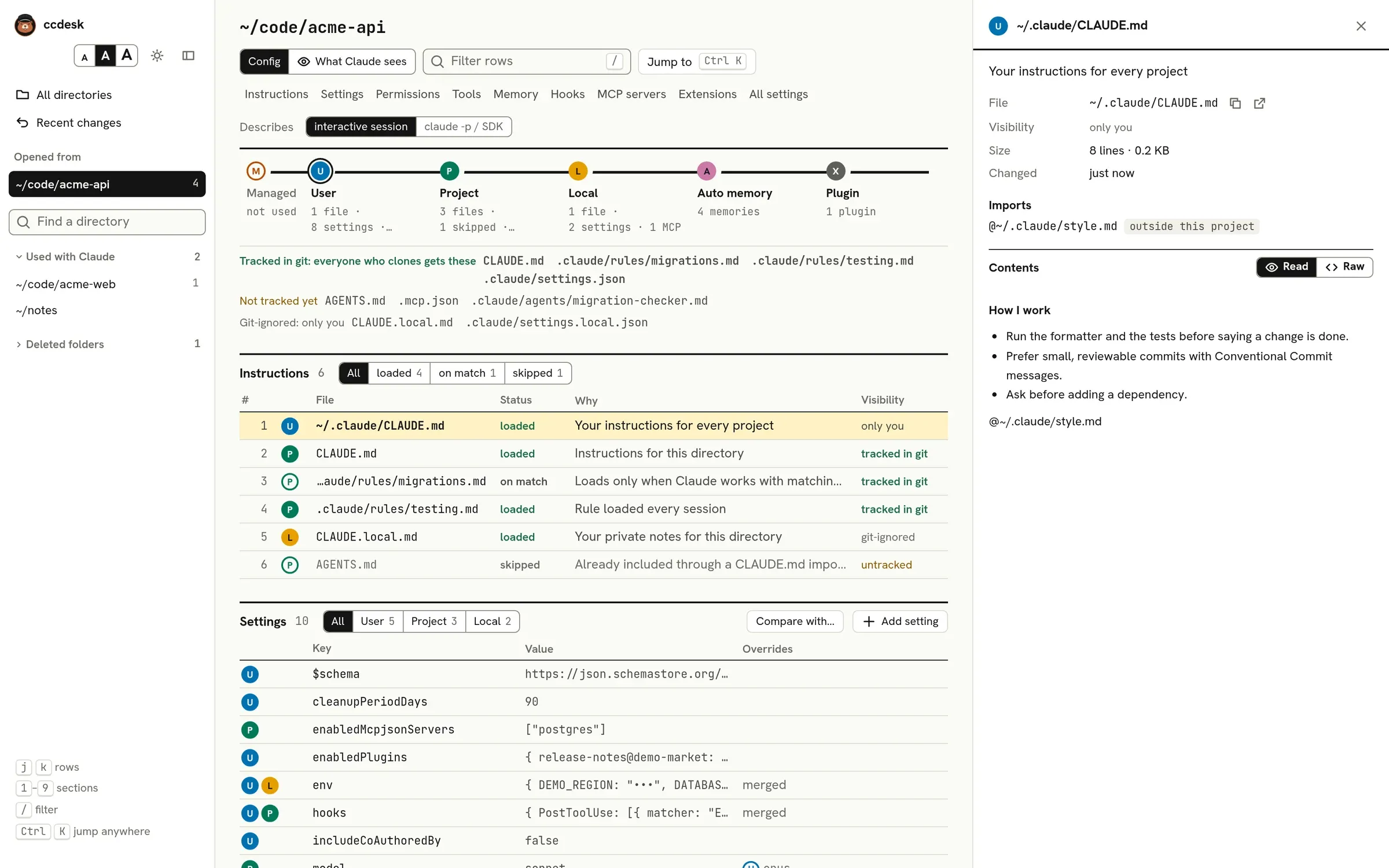
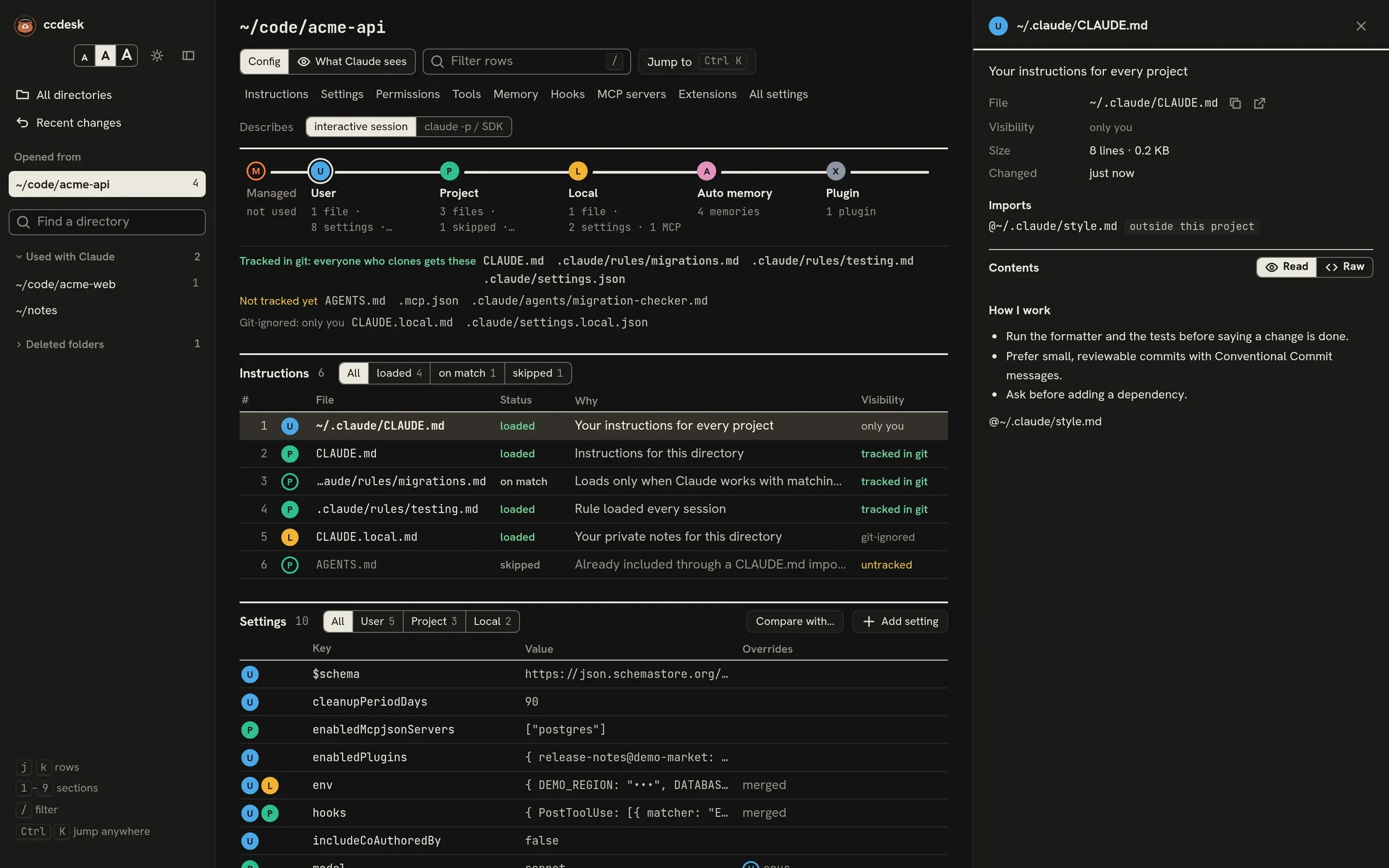
Options
Section titled “Options”npx ccdesk [options] Open the page in your browsernpx ccdesk scan [dir] --json Print what Claude Code loads in dir, as JSONnpx ccdesk explain <file> [--dir <dir>] Print what loads once Claude reads or edits filenpx ccdesk check [dir] [--json] Exit 1 when a session started in dir reads a file Claude Code cannot read or parse
--port <n> Port to listen on (default: a free port) --no-open Print the URL instead of opening a browser --config-dir <path> Claude folder to read, as CLAUDE_CONFIG_DIR sets it for Claude Code (wins over $CLAUDE_CONFIG_DIR) --dir <dir> For explain: the folder the session starts in (default: the current one) --strict For check: also fail on entries Claude Code may skip in a file it reads --all For check: also count ~/.claude, ~/.claude.json, managed settings and files outside dir's repository -h, --help Show this helpWith --no-open, copy the printed address into a browser yourself. If the port you ask for is taken, ccdesk says so and exits.
If you keep several Claude Code profiles, --config-dir ~/.claude-work reads that one, as starting Claude Code with CLAUDE_CONFIG_DIR=~/.claude-work would. The flag wins over the variable.
Without the browser
Section titled “Without the browser”ccdesk scan prints, as JSON, everything the page shows for a directory: instruction files, settings layers and the values in effect, permissions, hooks, MCP servers, memory and problems. It reads the directory you run it from, or the one you name. A script or another tool can use it to ask what Claude Code loads there.
npx ccdesk scan ~/code/acme-api --json > acme.jsonccdesk explain is the When Claude touches a file check in the terminal: it lists the path rules, skills and folder instructions that join the session once Claude reads or edits a file. The session starts in the current directory, or in the one --dir names.
$ npx ccdesk explain src/api/users.tsOnce Claude reads or edits src/api/users.ts in ~/code/acme-api, these load: project path rule .claude/rules/api.md matches src/api/**/*.ts project folder instructions src/CLAUDE.mdccdesk check fails when a session started in a folder would trip over a file it reads: a .claude/settings.json or .mcp.json that is not valid JSON, a settings file whose shape Claude Code’s schema rejects, a CLAUDE.md or rule it cannot read. It checks what a session started in that one folder reads, the current one or the one you name, so a monorepo whose packages have their own .claude folder needs one run per folder people start Claude Code in. It exits 0 when there are none, 1 when there are, and 2 when the arguments are wrong, the folder does not exist, or ccdesk cannot run the check, so a mistyped path fails too. Run it in CI to catch a broken file before anyone pulls it. In a GitHub Actions job, after checking out the repository and setting up Node.js 22.19 or newer:
- run: npx --yes ccdesk@0.3 check- run: npx --yes ccdesk@0.3 check packages/apiPin the version you tested, so that a new release cannot change what fails your build.
$ npx ccdesk checkClaude Code cannot read these files and may skip them:  .claude/settings.json: not valid JSON (line 4, column 3)  .mcp.json: not valid JSON (line 2, column 1)
2 problems in a session started in ~/code/acme-api.
Problems are listed in the order to fix them: files that stop Claude Code from starting (a managed settings file that does not parse as a JSON object), then files it cannot read, then files it reads with some entries skipped. Paths are relative to the repository.
- Only the repository’s own files count: those under the git root, or under the folder itself outside git, and for a linked worktree also those in the main checkout, which the session reads through to. Your Claude folder,
~/.claude.jsonand managed settings never count, even when the repository holds them. A CI runner usually has none of them, and a broken one is the machine’s, not the repository’s. ccdesk says how many such files it left out;--allcounts them too. - A file Claude Code reads with some entries skipped, such as a
permissions.defaultModeit does not know, is listed but passes. ccdesk’s settings schema can lag a newer Claude Code, so failing on these could fail a valid file.--strictfails on them. --jsonprints each problem with its absolutepath, thefileas shown, the error, andcounted, whether it fails the check.failedis the overall answer.
All three only read: they write no file and keep no backup. Values the page hides, such as env values and headers, are hidden in their output too.
What it reads
Section titled “What it reads”ccdesk reads the same files Claude Code reads for the directory it is started in:
- your Claude folder,
~/.claude, or--config-diror$CLAUDE_CONFIG_DIRwhen one is set; ~/.claude.json(or.claude.jsoninside that folder when it is not~/.claude), for folder trust, MCP servers and approvals;- the managed settings folder your organisation may install:
/etc/claude-codeon Linux,/Library/Application Support/ClaudeCodeon macOS andC:\Program Files\ClaudeCodeon Windows; - the directory you started in and every folder above it, for
CLAUDE.md,AGENTS.md,.claude/and.mcp.json; - transcripts in
~/.claude/projects/, but only to count tool calls, reads of memory files and your answers to permission prompts. See Tool usage counts.
It never reads ~/.claude/.credentials.json.
What it writes
Section titled “What it writes”Nothing, until you review a change and press the button that saves it. Then ccdesk writes only the file the diff names: a settings file, a .mcp.json, a subagent file, a memory file or MEMORY.md. Before each write it copies the old file to ~/.claude/backups/ccdesk/, and the change shows up in Recent changes, where you can restore it.
ccdesk never writes ~/.claude.json. Claude Code rewrites that file during every session. User and local MCP servers live there, so ccdesk changes them by running Claude Code’s own claude mcp commands. See MCP servers.
Live refresh
Section titled “Live refresh”ccdesk watches the config files for the open directory. When Claude Code or your editor changes one, the page updates within about a second. That includes ~/.claude.json: Claude Code rewrites it all through a session, so the page updates only when something it shows there changes, such as a trust answer, a user or local MCP server, or your answer about a project’s .mcp.json servers. If ccdesk cannot watch a folder, the page names it above the tables. Changes elsewhere still show, ccdesk tries the folder again after 5 seconds, waiting twice as long after each failure up to 5 minutes, and the page rereads everything when you switch back to the tab. On Linux the usual cause is the limit on file watches; raise fs.inotify.max_user_watches with sysctl. A folder on a network drive is never watched.
Other directories
Section titled “Other directories”The page opens on the directory you started in. The rail on the left lists every other directory Claude Code has been used in, and All directories shows them in a table with session and memory counts. Directories whose folder was deleted are folded away in both; see Reading the interface for how to forget one. You do not need to restart ccdesk to look at another project: pick it in the rail or press Ctrl+K and type part of its path.
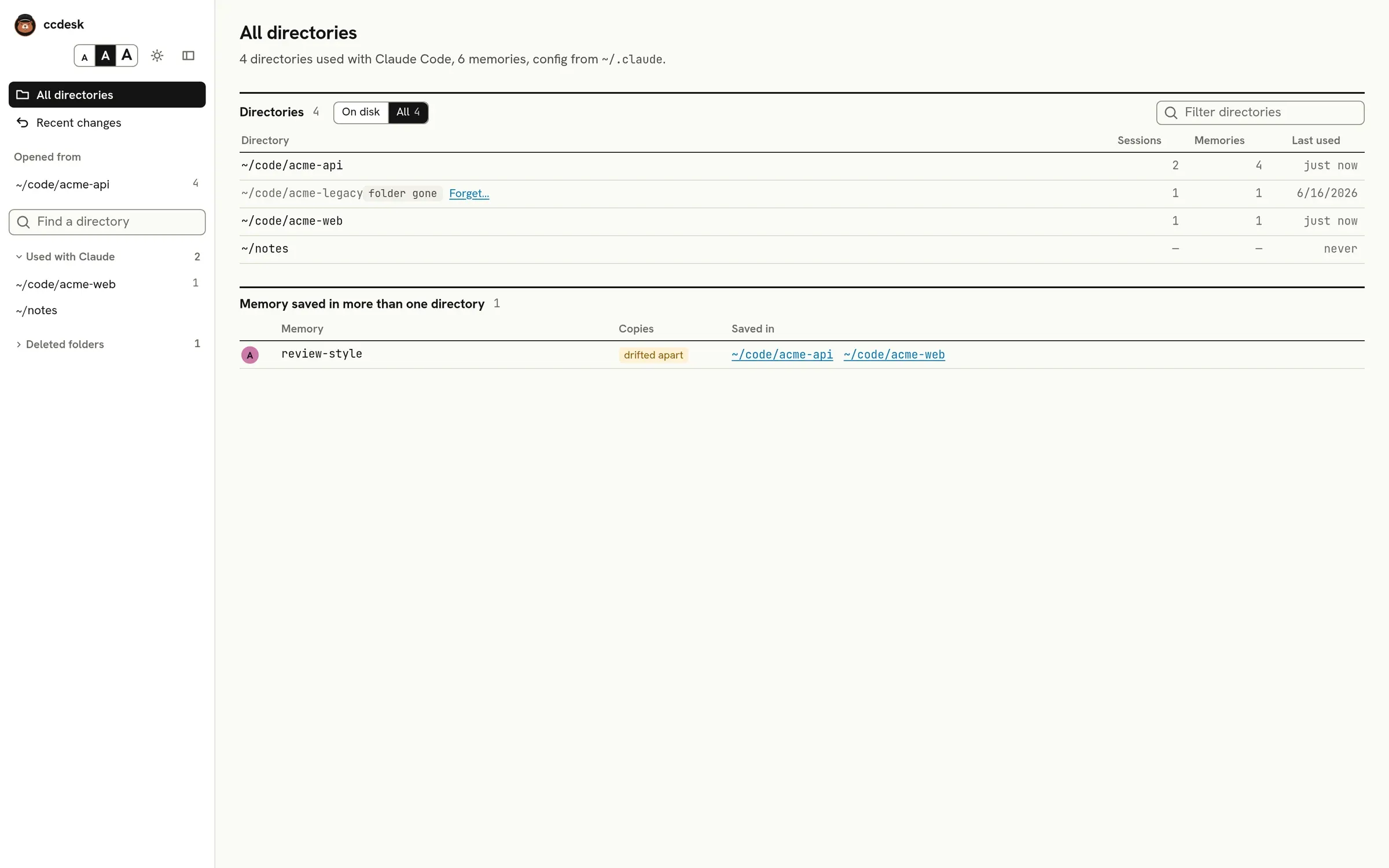
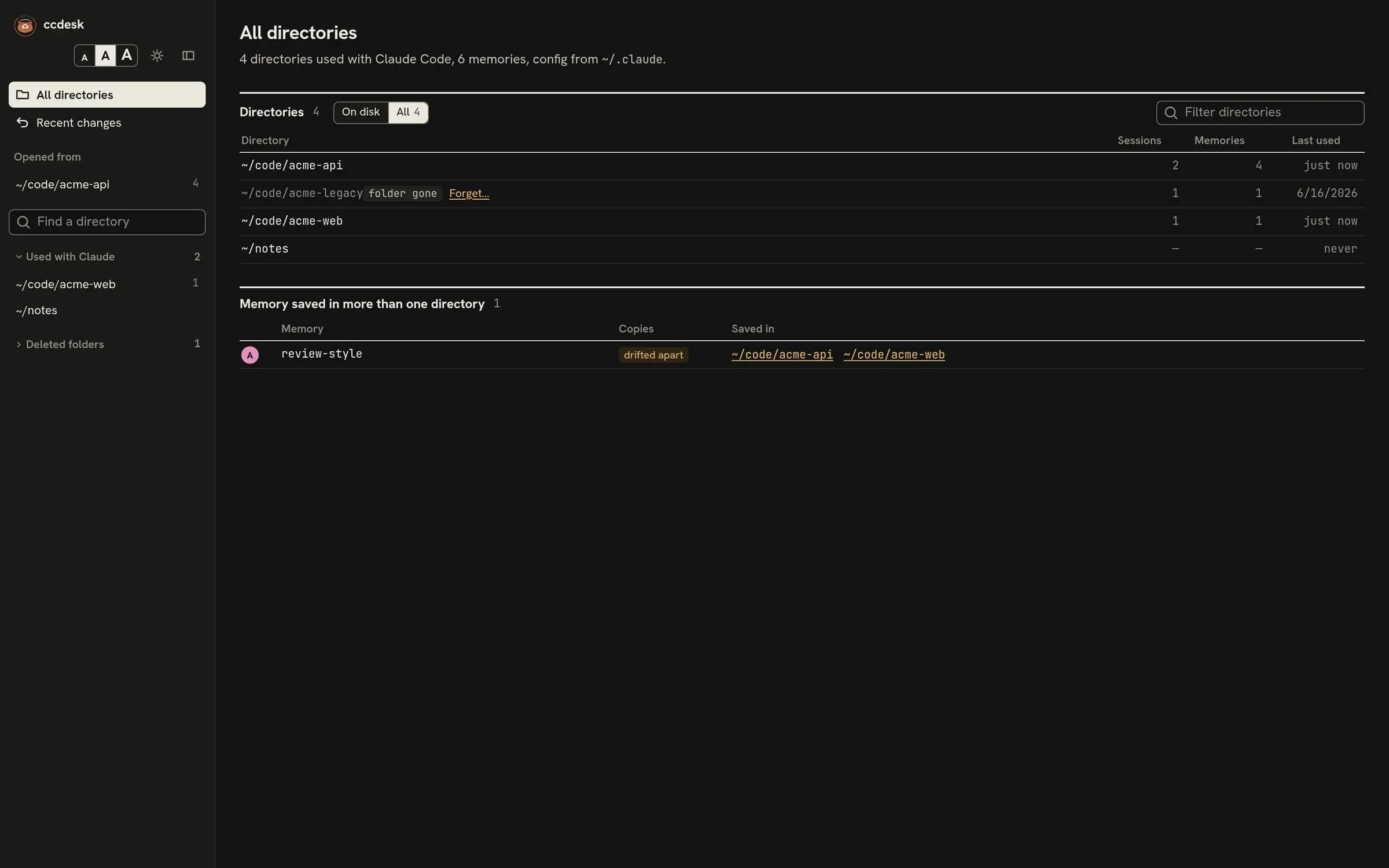
Next: Reading the interface.