
Hooks
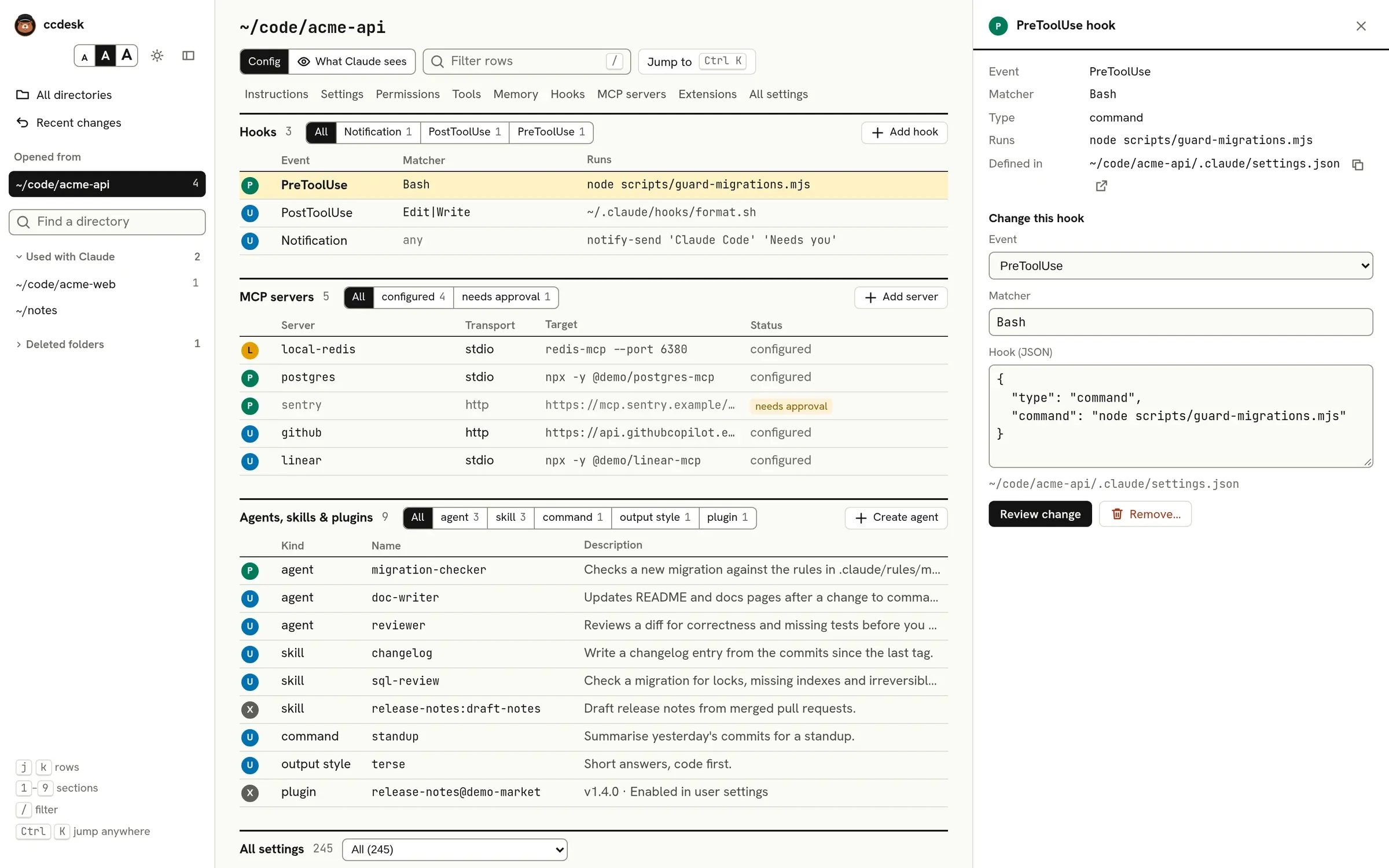
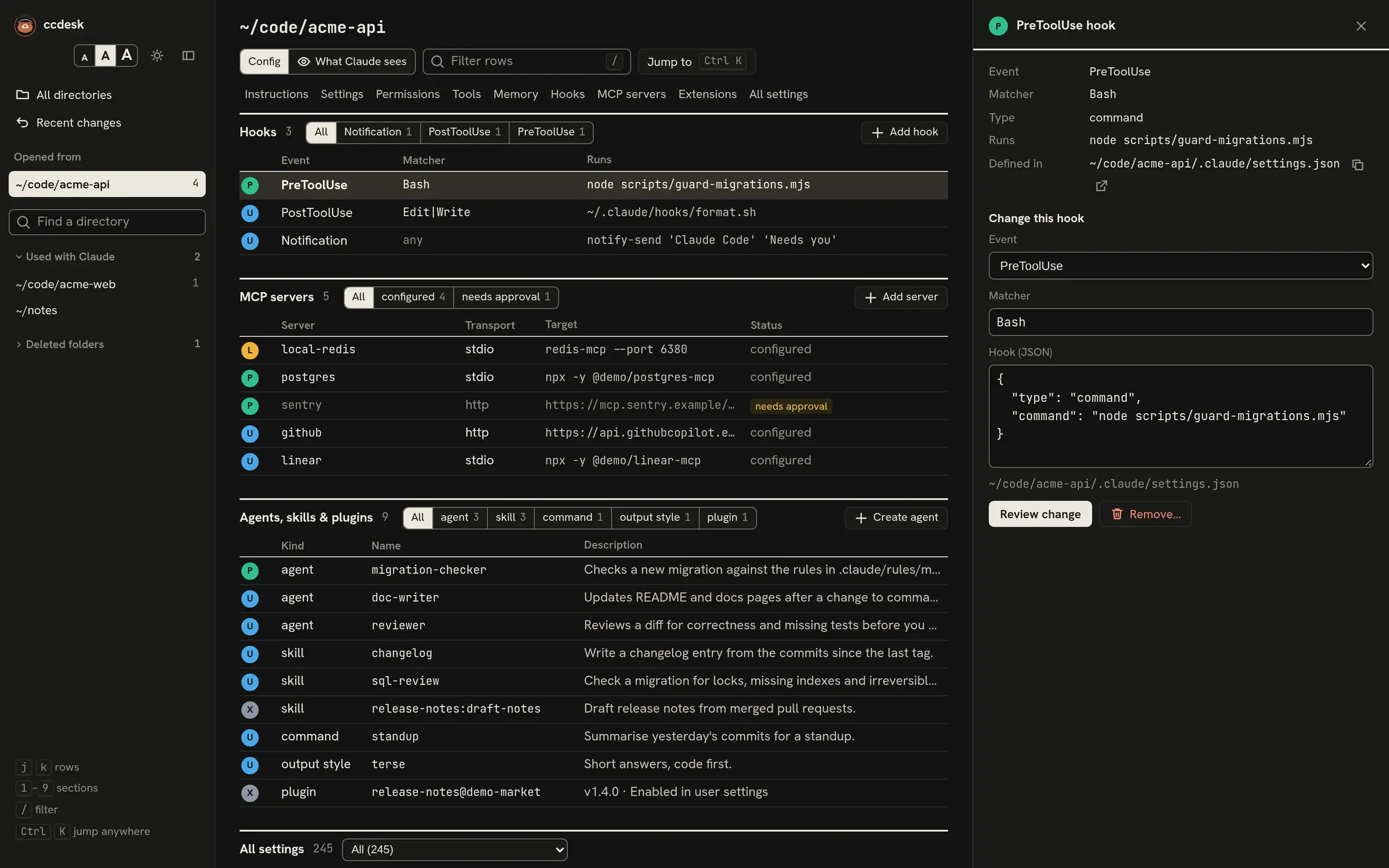
The Hooks section lists every hook that applies to the open directory: from your user, project, local and managed settings, and from enabled plugins. Each row shows the event, the matcher (any when it has none), and what it runs: a command, a prompt or a URL.
Hooks that do not run
Section titled “Hooks that do not run”A hook is marked off when:
- managed settings set
disableAllHooks; disableAllHooksis true in the highest settings file that sets it, which turns off every hook except managed ones;- managed settings set
allowManagedHooksOnly, which turns off every hook except managed ones and those of plugins enabled in managed settings; - managed settings set
strictPluginOnlyCustomizationtotrue, or to a list naminghooks, which turns off the hooks in your, the project’s and local settings files and keeps managed and plugin hooks; - you have not accepted Claude Code’s trust dialog for the folder or a parent folder. An interactive session holds back hooks from every settings file until then, your own
~/.claude/settings.jsonincluded. Aclaude -por SDK run does not ask and runs them; pick claude -p / SDK under the page header to see the hooks that way.
A plugin’s hooks/hooks.json, and each hooks file its manifest names, holds its events under a top-level hooks object. A file that holds the events without it loads none of them; ccdesk lists it under problems instead of its hooks. Hooks written inline in the manifest need no wrapper.
Built-in tools lists, for each tool, the PreToolUse hooks whose matcher covers it.
Adding, changing and removing a hook
Section titled “Adding, changing and removing a hook”Add hook writes a new hook to your user, project or local settings:
- Pick the event from Claude Code’s list of hook events.
- Give a matcher if the event takes one.
- Write the hook itself as JSON, for example
{ "type": "command", "command": "pnpm lint" }. - Press Review change, check the diff of the settings file, and save.
Select an existing hook to change it in place or remove it. Hooks are checked against Claude Code’s settings schema and get the same diff review, backup and undo as settings. If the hook changed in the file after you opened it, ccdesk refuses and asks you to look again.
Plugin and managed hooks are read-only. ccdesk also leaves a file’s hooks for you to edit by hand when any hook in that file sends header values or calls a URL with a user name, password or query string, because those values are hidden from the page and ccdesk cannot write them back.